Explore spaces
A spatial experience lets users explore layouts and their elements when understanding size or distance is part of the project decision.
Marafei designs and develops custom virtual reality experiences that let your audience explore a space, examine a product or practise a procedure in a digital environment. The agreed task determines the scenes and interactions, the devices to test and the outputs your organization will receive.

The value of the experience depends on the task it helps your audience understand or perform.
A spatial experience lets users explore layouts and their elements when understanding size or distance is part of the project decision.
A scenario can let trainees review the sequence of a specific procedure, using steps approved by the organization and reviewed by its specialist.
A product presentation can include a task that helps visitors understand its features and the differences between available options.
Testing part of the experience lets the team discuss whether the interaction is clear and suitable for its audience before expanding development.

For example, a stakeholder may need to inspect a proposed layout before approving it. A first build could let them find two areas and explain how those areas connect. The project brief separates development of that experience from equipment supply, site setup and operation, with each inclusion agreed in the proposal.
Consider a custom build when moving through a space, manipulating an object or seeing the result of a choice matters to the task. Start by comparing formats against the same objective.
| What the audience needs to do | A format to evaluate | What to check |
|---|---|---|
| Watch a fixed explanation or sequence | Video or a screen presentation | Whether the message and required steps are clear |
| Inspect an existing place from captured viewpoints | A virtual 360° tour | Whether visitors can find the area they need |
| See digital information alongside a physical object | Augmented reality | Whether the information relates clearly to the object |
| Act inside a designed environment and receive a response | Interactive virtual reality | Whether users understand the controls and complete the task |
VR places the user in a digital environment, while AR adds digital material to a view of the physical world. The specific actions available depend on the application and equipment. Technical background from Microsoft Learn.
A 360° tour can include navigation points and information, and its content may be viewed in a headset. Ask suppliers to describe what users can actually do when comparing it with a modelled interactive environment. If the benefit of additional interaction is uncertain, test a small prototype against the simpler option before expanding the project.
These are proposed applications to assess against your audience, content and operating conditions. Each needs its own scope and review.
A stakeholder could explore a proposed layout and compare the relationship between spaces. Identify the drawing or model version and whether it represents a concept or an approved design. Test whether the reviewer can locate the relevant areas and explain their relationship. Engineering approval remains with the responsible specialists and project documents.
A trainee could practise an approved sequence, such as receiving and directing a visitor. The procedure owner defines the critical steps and the feedback for an incorrect choice. Observe sequence accuracy and requests for assistance. Professional competence requires the training owner's separate assessment.
A learning activity might ask students to explain a spatial relationship or contribute to a shared model. Give each participant a defined role, then ask the instructor to assess what they can explain. Curriculum design and learner assessment belong in the specialist education scope.
Consider a task in which a prospective customer examines two configurations and explains the difference. Select details that answer a real product question. Message comprehension provides one possible measure; a sales effect needs its own evidence.
A team could review the arrangement of components or a proposed access route in an approved model. The engineering owner sets the data requirements and limits of the review. Test whether participants can identify the intended component and route, while reserving safety and engineering decisions for qualified reviewers.
A visitor could find an exhibit and explore an explanation connected to it. The collection owner approves the narrative and materials, and a language reviewer checks their clarity. Test whether visitors can find and interpret the intended information. A captured 360° tour remains an option when the task is to inspect an existing place.
A short activity can be proposed around one message about a project or product. Test the whole visit: introduction, participation, exit and preparation for the next visitor. Assign responsibility for guidance and queue management, and record where first-time users need help.
For collaboration, define what each participant contributes and how the group recognizes completion. One proposed task could have a participant select an item while another places it in an agreed position. Participant capacity, synchronization, communication and connectivity need a separate shared-VR scope and test.

Start with the audience, task, available content and intended site. Use those inputs to define scenes, navigation, selectable objects, feedback and the way a session starts and ends.
For the layout example, decide what the stakeholder must inspect and whether they need to switch between alternatives. Identify the model owner and approved version. For a training scene, have the procedure owner decide what happens after an incorrect choice: another attempt, an explanation or a supervisor's intervention.
Prepare an asset inventory for VR content development: scripts, drawings, photographs and 3D models, with versions and reuse permissions. Review their suitability before estimating conversion or production work. A file being available does not establish that it is ready for the experience.
Specify Arabic and English requirements separately for menus, instructions, audio and captions. A Saudi cultural project needs a named narrative approver; an industrial scenario needs a procedure owner. The proposal should also distinguish the operating build from editable assets or source files, including the rights attached to each deliverable.
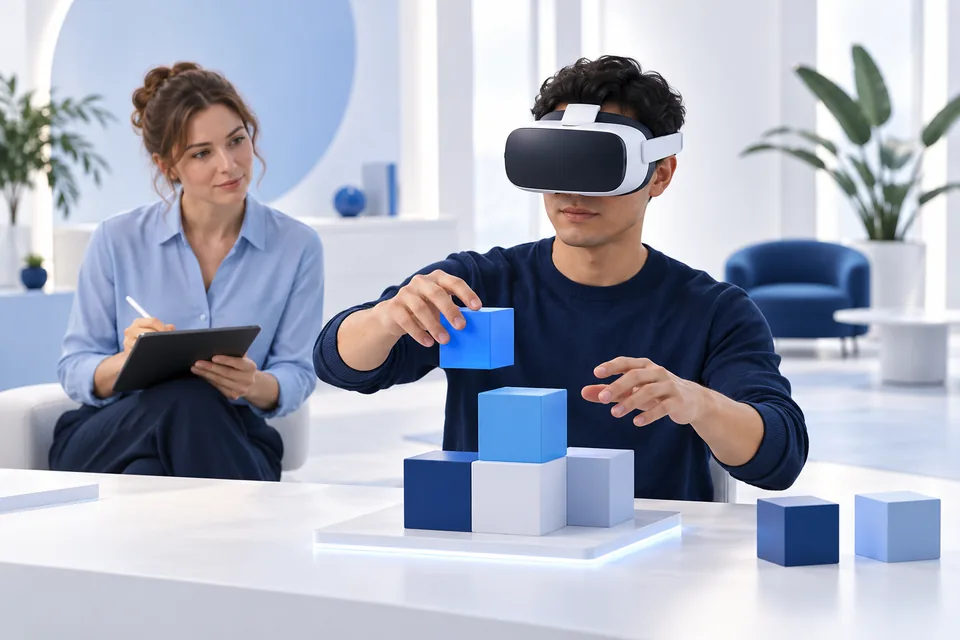
We suggest organizing the project around the following decisions. The proposal establishes the actual delivery stages and responsibilities.
Meta's developer guidance calls for iterative testing with users and cautions that following design recommendations does not guarantee a comfortable experience. Immersive VR app design guidance.
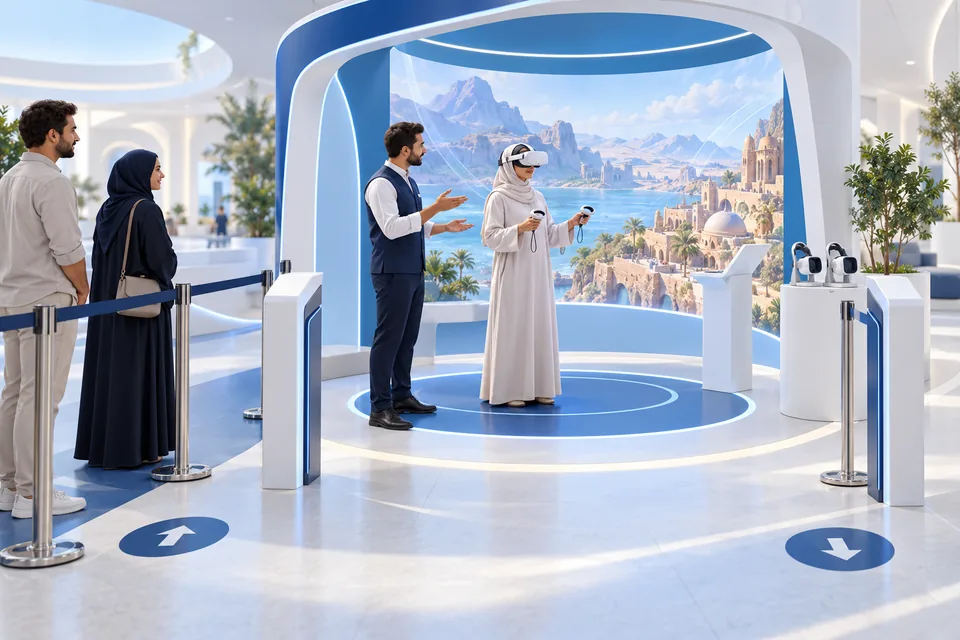
Record the headset model, runtime version, input method and deployment method. Test the actual scene on that configuration before including device support in the project scope.
| Decision | Standalone headset configuration | PC-connected configuration |
|---|---|---|
| Configuration record | Headset, runtime and input | Headset, computer, connection method, runtime and input |
| Content test | Run the intended scene and review its clarity and response | Run the same task on the proposed setup and review the result |
| Site review | Check power, movement area, storage and connectivity where needed | Check computer position, power, connection route and movement area |
| Daily operation | Assign build installation, session setup and reset | Assign responsibility for the application, computer, connection and reset |
Use the checklist alongside the project test to assess which configuration is suitable. For several sites, document the equipment and operator at each location, how builds are distributed and what happens if a station fails. Test any offline requirement, including dependencies involving accounts, licenses or connected features.
OpenXR provides common development APIs across supporting XR platforms and devices. It does not replace a test of the application on the required headset, runtime and input configuration. Khronos OpenXR.
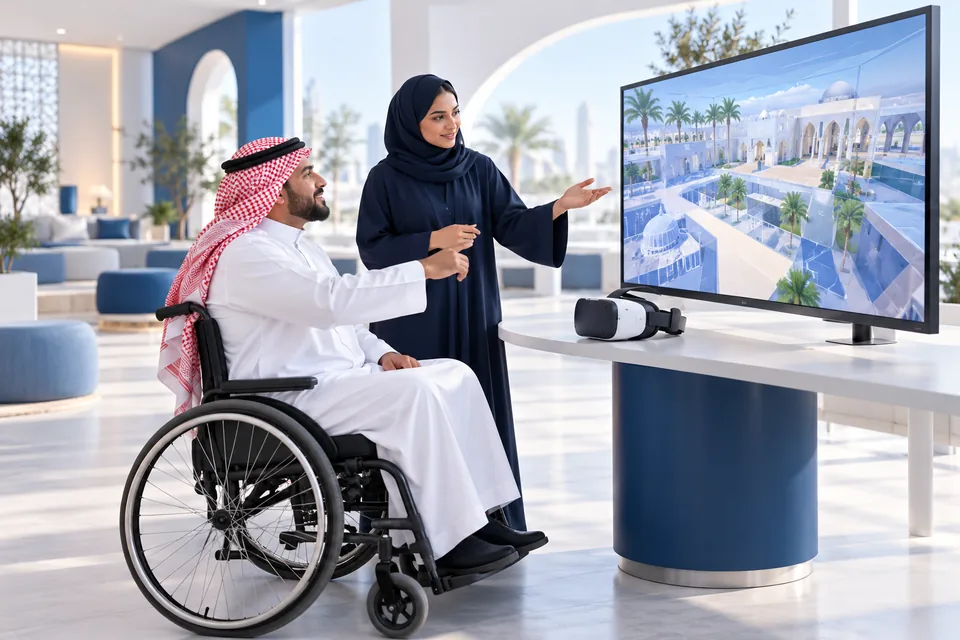
Review a first session from the user's perspective: finding the starting point, learning the controls, completing the task and leaving the experience. Test those steps with people who represent the intended audience.
W3C's XR Accessibility User Requirements discusses alternative inputs and outputs and ways to personalize an experience. It is a Working Group Note about user needs, not a certification. W3C XAUR.
Depending on the task, evaluate seated use, text legibility, written or spoken instructions and another way to access the information without wearing a headset. Test the selected options in context and assign responsibility for reviewing the result.
If session records or system integration are required, define the purpose of each data item, where it is processed, who can access it and how long it is retained. Assess the target system, permissions and technical requirements before including an integration in the delivery scope.
Stanford records 263 students across two courses in 2021, with activities including discussions and building virtual worlds. The count describes participation; it does not establish a learning improvement percentage. Virtual People course record.
A proposed Saudi university pilot could use one collaborative activity, Arabic onboarding and instructor-approved materials. Observe whether students identify their roles and complete their contributions. If learning is the objective, the instructor should set a separate content assessment.
NASA describes VECTR as a platform for engineers and technicians at Kennedy Space Center to practise predefined systems and procedures. Models and scenarios can be updated when designs or procedures change. The catalog describes the application without reporting a savings or improvement percentage. VECTR, KSC-14010.
A proposed Saudi facility pilot could start with one versioned procedure approved by the responsible specialist. A supervisor would review critical steps, recognition of an error and requests for help. Any later procedure change should trigger a scenario review. Both examples belong to the institutions cited; they are not Marafei projects.
Marafei prices projects according to the type of request, size, space and scope. Request a breakdown of the items that apply to your project so that proposals can be compared on the same basis.
| Quote item | What to clarify |
|---|---|
| Scoping and prototype | The task to test and the outputs to approve |
| Assets and rights | Client-supplied materials, conversion or production work, and permissions |
| Scenes and interactions | Scene count, user actions and responses to develop |
| Languages | Menus, instructions, audio and review for each version |
| Equipment and licenses | What the client supplies, what the quote includes and any recurring charges |
| Deployment and integration | Sites, installation, connected systems and tests |
| Operation and support | Staffing, training, updates or maintenance included in the agreement |
A single layout scene using an available model and headset has a different scope from several interactive alternatives in two languages across multiple sites. Scene count is one input: a complex interaction may require more work than several viewing-only scenes.
When comparing VR app development cost, separate the custom build from hardware and venue setup. Identify initial and recurring items, and ask how changes will be priced. Discuss timing against asset readiness, approval rounds, site access and the agreed deliverables.
Prepare your VR project brief with the task, audience, site, languages, available assets, existing devices and required operating arrangements.
Separate functional acceptance from the reason for investing. A working scene does not by itself establish understanding or a commercial outcome.
For the layout example, a functional test could cover launching the named build, selecting the agreed language, navigating to both areas, recovering from a wrong turn and exiting. A separate evaluation asks whether the stakeholder understands the spatial relationship. Agree the assessment and threshold with the responsible reviewer before testing.
Use an acceptance record such as this:
| Record | Purpose |
|---|---|
| Build, device, runtime and language | Identify the tested configuration |
| Task and expected result | Give the buyer and developer the same test |
| Observation, error or assistance | Identify what needs attention |
| Correction owner and retest result | Track resolution |
| Acceptance owner | Record the decision and its limits |
Structured observation or a short question may be sufficient for an initial evaluation. Automated collection and reporting need to be included in scope. For visitor experiences, completion or finding the intended information may be useful measures; record facilitator assistance when interpreting the result.
Agree who installs the build, prepares devices, introduces the activity and resets each station. Clarify the operating instructions, files and usage rights included at handover, and whether operator training is part of the proposal.
Updates, maintenance and support need defined terms: covered work, reporting channels, responsible parties and the applicable period. Document ongoing operating commitments separately from acceptance testing.
When content, a procedure, a device or its runtime changes, identify who approves the change, updates the application and retests affected functions. For several sites, assign responsibility for checking each deployed version.
When choosing a virtual reality development studio, give shortlisted providers the same task, asset inventory and device assumptions. Ask what they will prototype, how acceptance will be demonstrated, what you receive and what is priced separately. Use these details to compare the scope of proposals from VR companies in Saudi Arabia.
Marafei's virtual reality services cover custom experience design and development around the organization's goal, audience and approved content. To discuss your project, prepare:
Discuss a custom VR project with Marafei. A non-sensitive summary is enough to begin the conversation; detailed files can be shared under arrangements appropriate to the project.
The proposal defines the scenes, interactions, tests and handover for the agreed task. Ask for equipment supply, installation, operation and support to be itemized so their status is clear.
Consider them when the audience needs to act in a designed environment and the response matters to the task. Test that action in a small prototype. A screen presentation or 360° tour may be sufficient for viewing alone.
Provide the same brief to each supplier. Compare prototype scope, asset rights, tested devices, acceptance criteria and handover responsibilities before comparing totals.
Assets, scene and interaction requirements, languages and operating arrangements shape the scope. Ask for separate lines for development, equipment, third-party licenses and recurring services where applicable.
Provide the intended use, site layout, visitor flow and supervision arrangements. Review power, connectivity and movement needs for the chosen setup, then test a representative session at the venue.
List approved scripts, plans, images, models and terminology with their versions and permissions. Agree which can be reused, which need conversion and which must be produced.
It should answer a defined project question. Choose one uncertain interaction and agree what a representative user must complete, on which configuration and with how much assistance. Use the observations to decide what to revise or expand.
Record the exact model, runtime, input and installation method. Test the agreed build on that configuration before including support for it in the proposal.
Test the same task on the proposed configurations. Compare the observed result alongside setup, portability, site arrangements and day-to-day operating responsibilities.
State both requirements in the brief. Review accounts, licensing, installation and network dependencies, then test the required operating mode. Identify who maintains the configuration at each site.
Specify each required language for menus, instructions, audio and captions. Include review and in-device testing in the scope, with an approver for terminology and corrections.
Review its version, permissions and required level of detail. Test a representative area to identify conversion work. The project owner confirms which model is suitable to show and how its status should be described.
Test the introduction, main action, exit and reset with venue staff. Assign responsibility for explaining the activity, managing the queue and preparing the station between participants.
Test starting, movement, reach, instructions and exit with representative users. Review relevant alternatives, such as seated access or another way to receive instructions. W3C's XR user requirements [4] provide a reference for this discussion.
Consider a tour when users need to inspect a captured place, and AR when digital information must relate to the physical surroundings. For an action inside a modelled environment, test whether an interactive VR build serves the task.
When participants need to perform a task together, define their roles and what constitutes completion. Scope and test communication, synchronization, connectivity and participant capacity separately.
It can be assessed for that purpose using a specialist-approved procedure and scenario. Have the procedure owner define the steps, errors and feedback to represent. Competency assessment remains the training owner's responsibility.
Define an observable task and record completion, errors and assistance. Keep those observations separate from business outcomes such as sales. Agree the method and threshold before the trial.
Confirm the named build, tested configuration, acceptance record, usage rights and operating responsibilities. Include source files, instructions or training where the agreement specifies them.
Assign an owner to approve changes and define who updates the build and retests it. Confirm the covered work, support period, channels and costs in the agreement.
Request a technical assessment of the target system, permissions and required data. Define the decision the information should support and who may access it. Confirm feasibility and scope before treating the connection or reporting as included.
Send the audience, one priority task, available materials, languages, intended site and target date. Add fixed device or operating constraints and decisions you need help making. Begin with non-sensitive information.
Microsoft
Accessed:
Meta
Accessed:
Khronos
Accessed:
W3C
Accessed:
Stanford
Accessed:
NASA
Accessed:

Publisher: Marafei
This service content was prepared, written and reviewed by Marafei’s team of specialists, consultants and technical engineers.
Marafei team
You can book a demo with us by filling out this information, and we will get in touch with you as soon as possible
Contact Us
+966 50 052 6869Email Us
[email protected]Business Hours
Sunday–Thursday
8:00 AM–6:00 PM