Connect information to its subject
Show an approved detail beside the product, exhibit or physical setting it explains, with an interaction suited to the audience.
Marafei designs custom augmented reality experiences that add digital content to a view of a real product, exhibit or place. Our augmented reality services start with what your audience needs to understand or do, where the content should appear, and the design, testing and handover your project requires.

Augmented reality brings digital content into a view of the real environment. Its value for a project depends on the information that becomes clearer and the task the audience can complete. [1]
Show an approved detail beside the product, exhibit or physical setting it explains, with an interaction suited to the audience.
Agree what people should understand or do, then use the pilot to assess whether the content and interaction support that purpose.
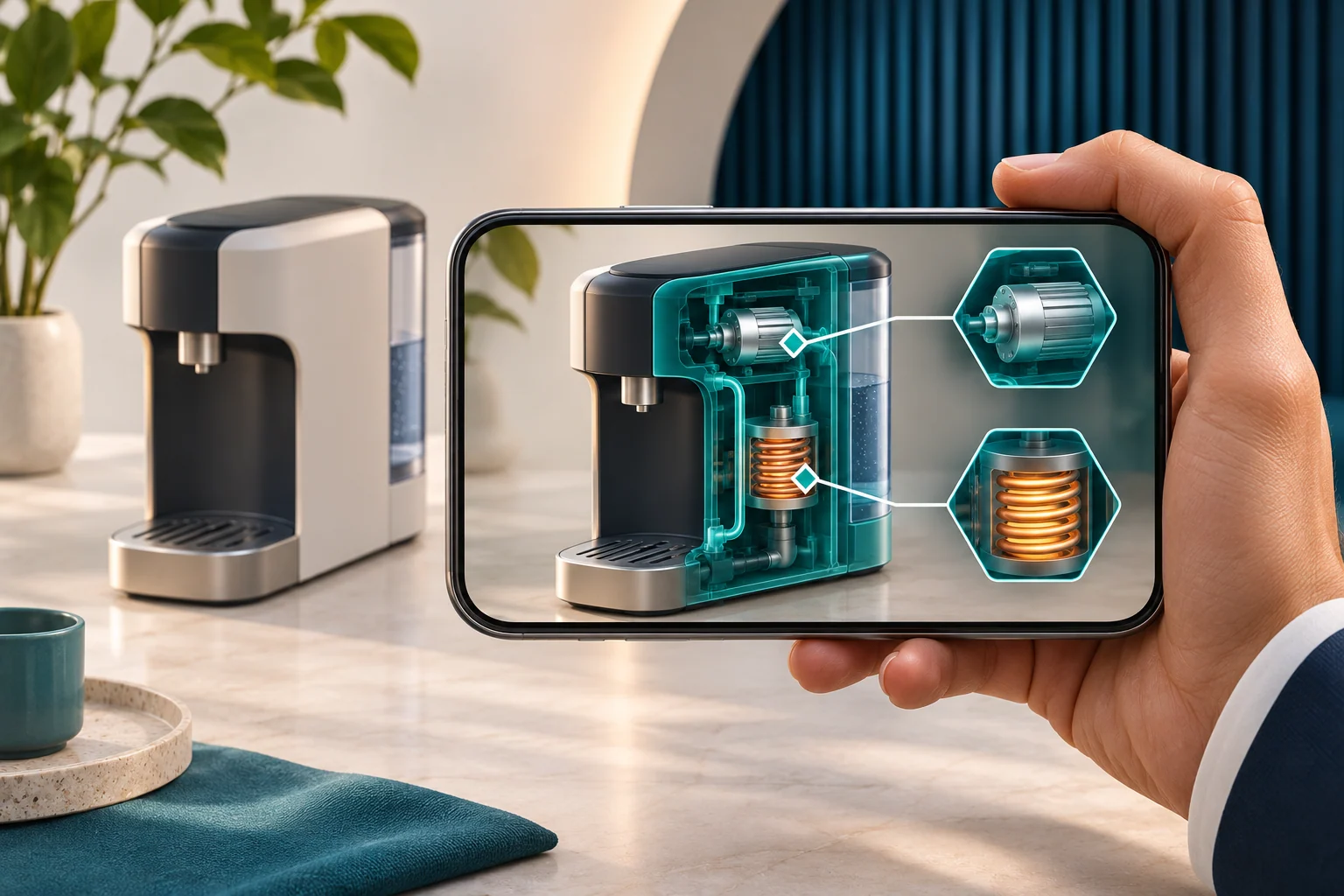
Consider one exhibit: a visitor opens the experience, points a phone at an approved image and sees a label explaining a component. Start by specifying one working scene on selected devices in the intended display area. The brief can then distinguish successful entry, correct placement and understanding of the explanation.
AR combines digital content with a view of the real environment. The W3C WebXR AR module describes this combination for immersive web experiences. Whether it helps your project depends on the task and the value of placing information beside its subject.
| Audience task | Format to evaluate |
|---|---|
| Read a specification or an approved price | A web page or an image with clear text |
| Examine a model from different angles | A 3D viewer; test AR if placement in the real space matters |
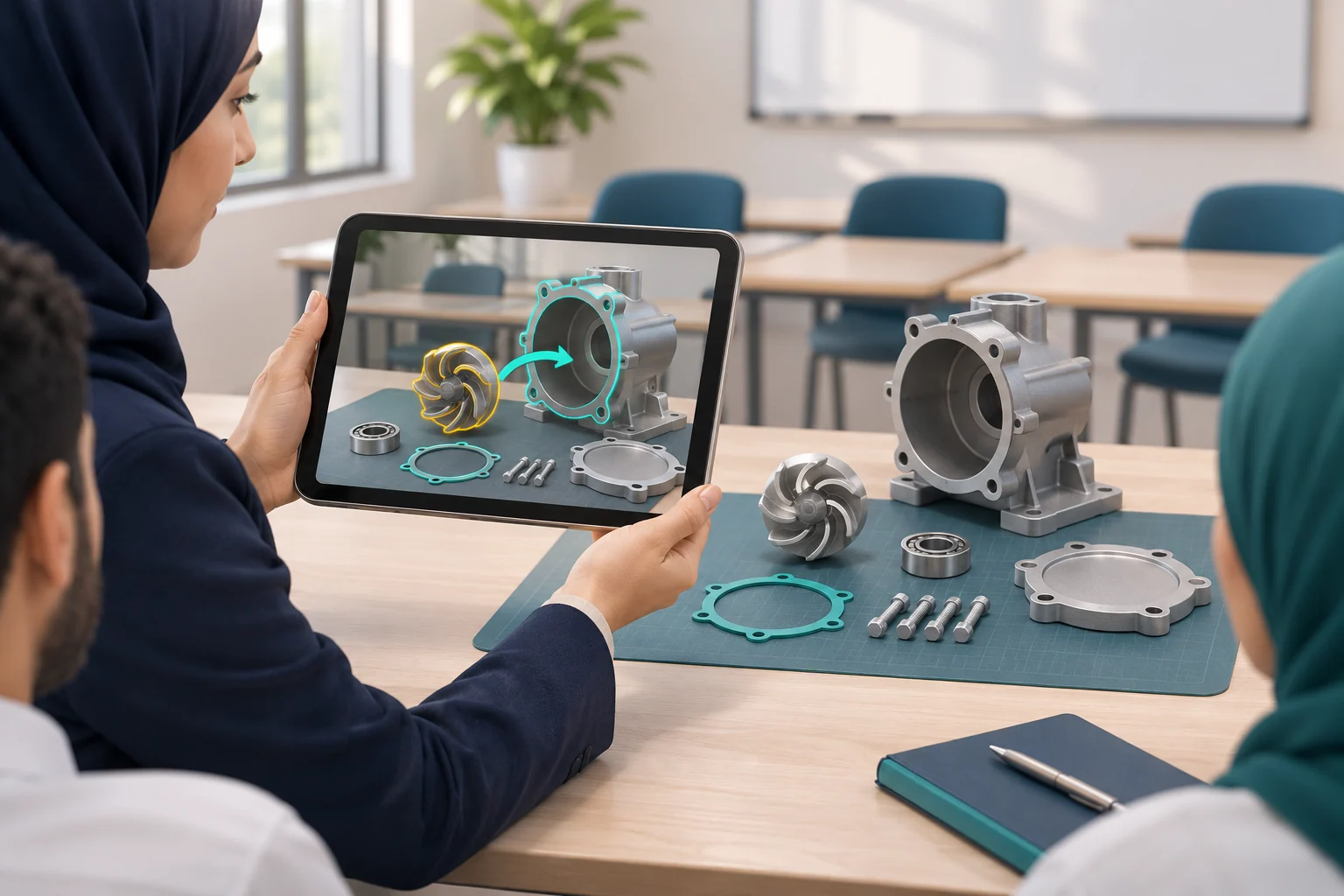
| Connect an explanation to a visible component | An AR interaction with a defined physical reference |
| Work inside a fully virtual setting | Evaluate the Virtual Reality Service |
If spatial interaction is the buying question, compare the relevant mixed reality requirements. Extended reality provides broader context when several immersive formats are under consideration. Where the value of placement is uncertain, test one interaction alongside a simpler way of presenting the same information.
A proposed experience might place a product model in a space or open an explanation beside a component. Ask the product owner to approve the feature, scale and intended accuracy. A pilot can check whether users identify the feature or explain a choice. Opening an AR scene alone does not establish increased sales.
Select a detail in an object or approved interpretive image with the collection owner. Give visitors a short instruction and a viewing position that fits the route. Ask them to explain the detail, and provide another way to reach the information when using a phone is difficult. The wider narrative follows the collection and audience.
Focus a short activity on one feature of the exhibit. Observe whether first-time visitors can begin, where they need help and how they leave the viewing position. An employee-led demonstration on a supplied device has different operating requirements from an experience on visitors' phones, particularly during busy periods.
Augmented reality training solutions can be considered for labels on a learning model or a prompt beside a physical component. The subject owner approves the instruction and defines what participants should explain or do afterwards. Digital guidance needs the same factual review as the underlying procedure; it does not replace approved practical training or safety processes automatically.
A proposed model can support discussion of position or a spatial relationship. Its owner should state whether it is a concept or a representation with approved dimensions and tested accuracy limits. Record which questions the view helps answer and which still require drawings or physical measurement.
A label or indication beside a component may help someone identify it. The procedure owner approves the content, and the site operator reviews the conditions of use. Connections to maintenance systems or live equipment data require a separate integration scope and test plan.
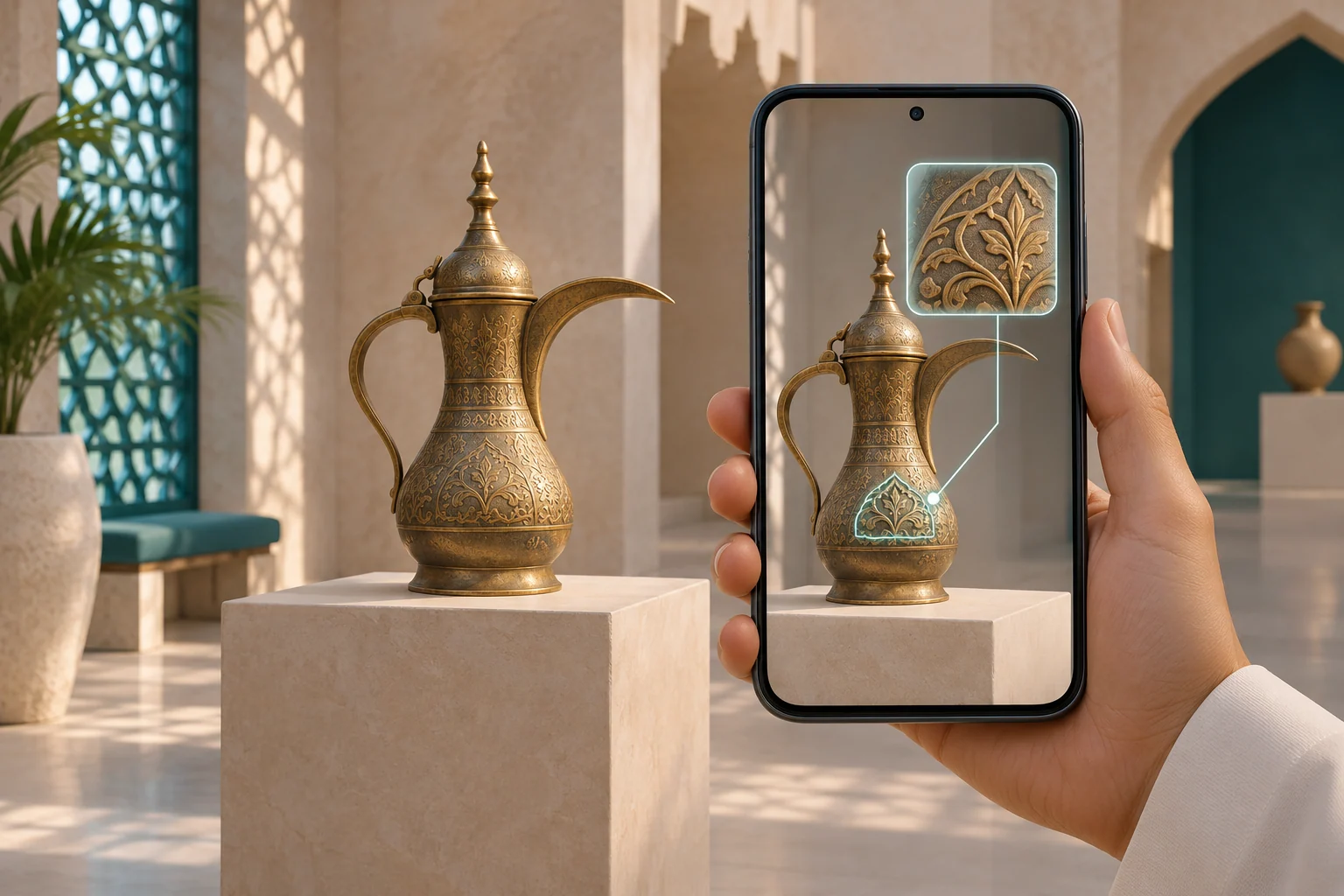
Record access and placement as separate decisions. In the exhibit example, a QR code opens a link. The experience then recognizes an approved reference image and positions a label. A working link does not demonstrate that recognition or placement will succeed.
| Decision | What to specify |
|---|---|
| Browser link or QR entry | Entry steps, permissions, intended browsers and an alternative route |
| Installed app or existing app integration | Release owner, installation, distribution, permissions and updates |
| Image recognition | Approved image version, print size, position and expected viewing angles |
| Surface placement | Intended surface, placement interaction, model scale and stability checks |
Google's ARCore documentation describes detecting reference images and estimating device motion and surfaces. These illustrate different technical approaches; the project scope determines the implementation choice. Augmented Images, ARCore fundamentals.
For a web based AR solution, test the required feature on the intended device, operating system and browser. WebAR services may offer a suitable entry route for a short public activity, subject to that validation. Custom AR application development also needs a distribution and update plan when an installed app is chosen. Neither route supplies a compatibility guarantee by name.
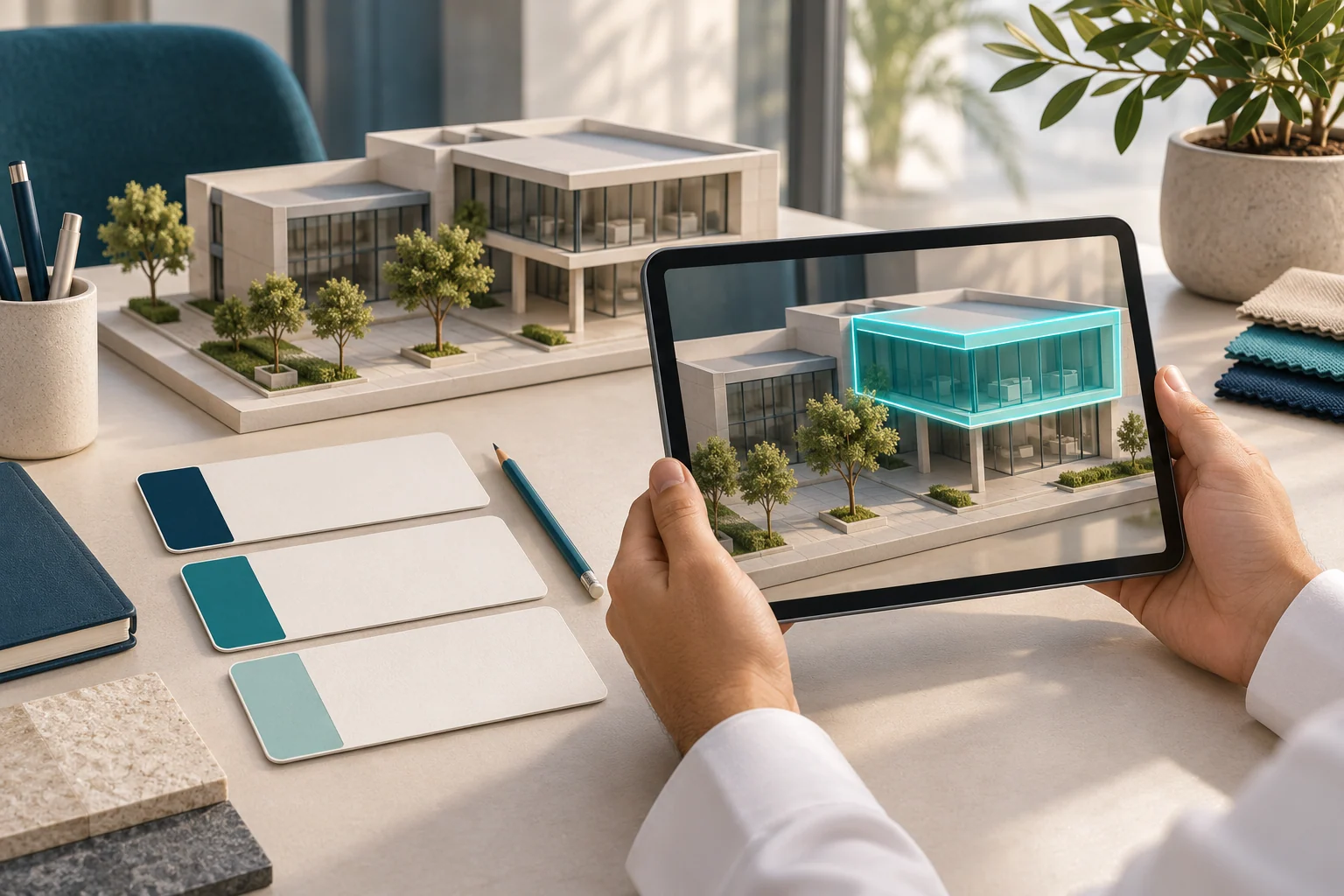
Inventory the text, images and models you already have. Record each asset's owner, approved version and permissions for use and modification. A model may need conversion or a smaller delivery version for a phone. Test one sample before estimating production across the full asset list.
For a product model, agree the intended detail, dimensions and colour representation. For an exhibit, have a subject owner check names and the explanation attached to each feature. Define editable deliverables and reuse rights in the agreement; possession of an asset does not by itself establish permission to modify or publish it.
For projects commissioning augmented reality in Saudi Arabia, assign reviewers for Arabic terminology and layout as well as the venue. Check right-to-left text, numbers, units and label length on actual screens. Where English is also required, test terminology and language switching. Agree text or audio alternatives according to the audience's needs. The W3C XR accessibility note discusses varied user needs and alternatives for presentation and interaction.
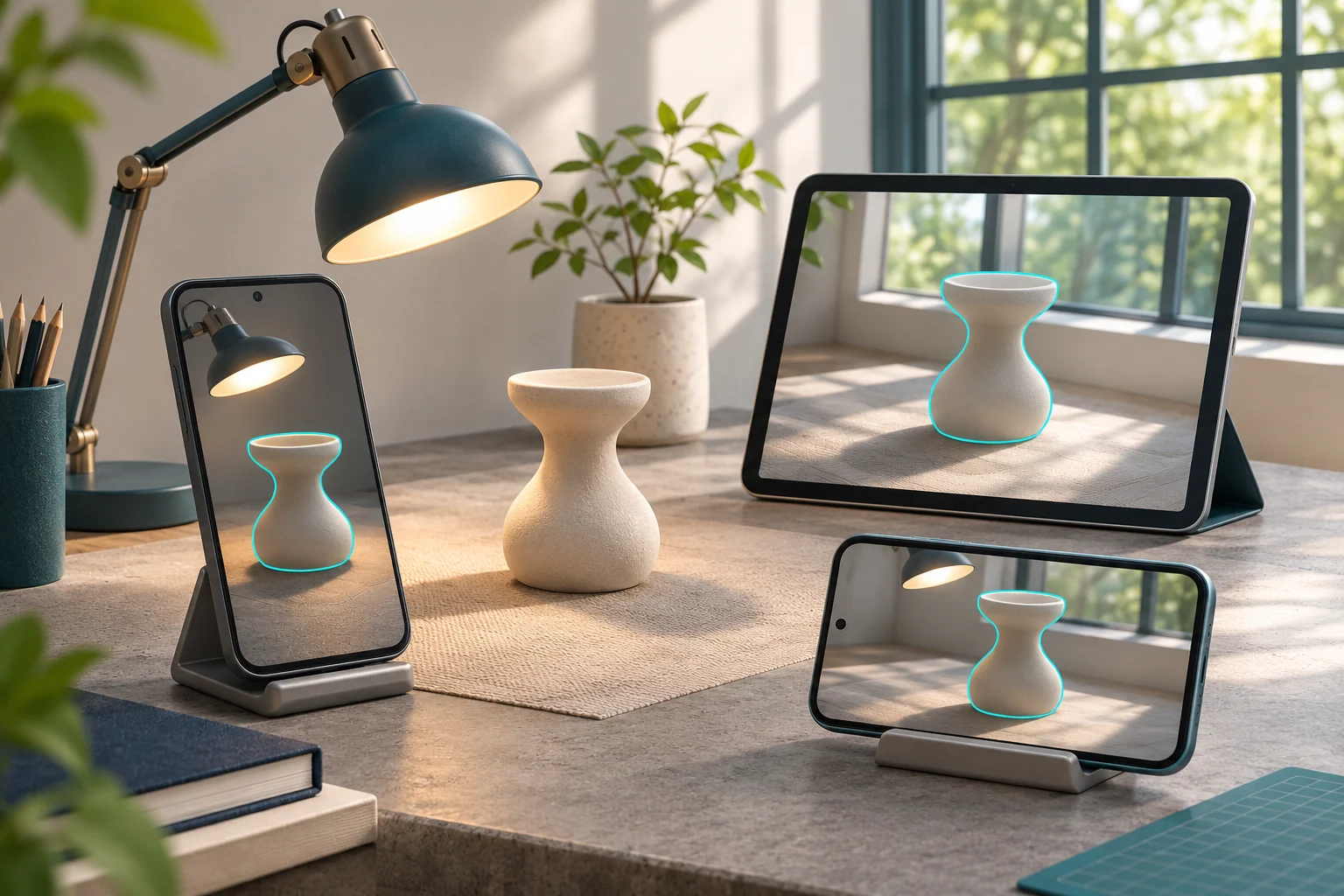
Define augmented reality implementation requirements as a testable configuration: device model, operating system, browser or app version, experience build and reference version. Add the venue, lighting, connectivity, viewing distance and angle. Record the configuration so the team can trace a result when a device or reference changes.
| Check | Evidence to record |
|---|---|
| Entry and loading | The real entry route and asset availability on the venue connection |
| Recognition and placement | Acquisition of the reference and appearance at the agreed position |
| Reading and interaction | Legibility and response on the specified screen |
| Loss and recovery | What happens when the reference is covered or the phone moves, then returns |
| Failure and alternatives | Access to the explanation and a clear retry path where appropriate |
The ARCore environment guidance identifies extreme lighting, reflections and surfaces with little texture as potential obstacles to surface understanding. Reproduce relevant conditions at the venue, including visitor movement. An indoor or outdoor label is too broad to serve as a test result.
If offline operation is required, define whether it includes first access or starts after a preload. Test asset availability, use and subsequent launches with the connection removed. Identify server checks and analytics that still need connectivity. Local image tracking does not establish offline operation for the whole experience.
For web experiences using the browser's camera interface, access involves user permission and a secure context under Media Capture and Streams. Explain why the camera is needed before the prompt, and decide what visitors can access if they decline. The text explanation can remain available from the same entry point.
Document data handling separately: what is processed, whether anything is stored or transferred, who has access and where the service is hosted. Ask the project's privacy owner to review the chosen implementation and any analytics. A permission prompt alone does not describe these arrangements.
Have the venue operator review standing positions, signage, assistance and circulation. Test readability and access with representative users, including seated use where relevant. Avoid requiring visitors to follow the screen while crossing a busy route. These are project requirements to evaluate; citing an accessibility document does not certify the delivered service.
NASA JPL's March 2018 Spacecraft AR announcement describes placing spacecraft models on a physical surface and viewing mission information. It documents a feature at launch, not current device support or a measured improvement in visitor understanding. NASA JPL announcement.
For a Saudi science centre, a proposed pilot could use one licensed model with Arabic labels and an explicit display scale. Test placement in the exhibition area, then ask visitors to explain a component's function. The local pilot needs its own evidence of understanding. NASA's example is not a Marafei project or a prediction of the pilot's result.
In June 2016, the Cleveland Museum of Art documented ArtLens 2.0 recognizing selected two-dimensional artworks and providing interpretive content. The useful precedent is that connection between a work and its explanation. It does not establish that every ArtLens activity was AR or that the feature remains available today. Museum announcement.
For a Saudi museum or heritage exhibition, have the collection owner select an approved object or image and one detail to explain. Review the Arabic interpretation, set a viewing position and offer a text alternative. Ask visitors to explain the detail and have the operator observe circulation. These are proposed pilot measures, not published results for this case or a local Marafei installation.
Marafei provides custom pricing for the agreed scope. To compare augmented reality development services, give each supplier the same reference, task and target device list. AR app development cost should be assessed against the production, testing and handover included, with exclusions and recurring charges identified.
| Proposal item | Comparison question |
|---|---|
| Design and pilot | Which interaction will be tested before expansion, and who approves it? |
| Assets and rights | What is ready, and what needs conversion, production or licensing? |
| References, interactions and languages | What counts and scope does each quotation include? |
| Device and venue testing | Which configurations and sites are covered, and who provides access? |
| Hosting, licensing and integration | What is initial, recurring or supplied by the client? |
| Operation, updates and handover | Which files, permissions, guidance and support are expressly included? |
Moving from one exhibit target to several can require content approval and field checks for every reference. Asset readiness, review rounds and venue access affect the schedule. Ask what happens to the quote when the device list or reference artwork changes; there is no single delivery time for all projects.
Rental is available generally through Marafei. Confirm equipment, availability, duration and operating responsibilities in the project proposal. A hardware budget is separate from development, and a related product such as the Interactive Sandbox is not included automatically.
Agree an output and a decision owner for each stage:
Define each role and stage in the proposal. A demonstration on the development team's device cannot establish acceptance for the final venue. A successful first reference also leaves the remaining references to be checked.
Use the exhibit example as one acceptance journey: open the link, understand the camera request, find the image, read the label and recover after the reference is covered. Record pass or fail for each step, with the build, configuration and site conditions. Agree loading, placement and stability thresholds before the test and identify the sign-off owner.
Then ask the visitor to explain the component's function. That observation concerns understanding, separately from whether the overlay appeared. A claim of improvement requires a suitable evaluation and comparison. Session counts and viewing time alone do not establish it. Agree necessary measurement data and access before collecting it.
For an enterprise augmented reality rollout across venues, review reference versions, light, network, devices and assistance at each site. Content may be shared while placement or operation still requires local testing and a named operator.
Request the approved build, reference versions, tested device matrix, operating and fallback instructions, and editable files as agreed under their rights. Assign ownership of hosting, accounts and content access. Define how operators report a problem and who authorizes a release.
A changed poster, model or browser version requires an impact review and relevant retesting. Keep a known version and an agreed recovery process. Confirm support duration, response terms, licence renewals and replacement equipment in the commercial agreement; the service name does not establish those terms.
An augmented reality service provider should explain how the proposed interaction serves your task and what the pilot will prove under your conditions. Ask for the access and tracking rationale, acceptance plan, asset rights and operating responsibilities. Request a demonstration under conditions close to your project.
To discuss a scope with Marafei, share:
An early idea and incomplete assets are enough to begin the discussion. We can identify what needs production, testing or a decision from your team before defining the proposal. You do not need to choose a platform or tracking method first.
Ask for an itemized scope covering design, assets, tracking, target configurations, testing and handover. Confirm any installation, hosting and support in the proposal.
Give each provider the same object, task, devices and venue constraints. Ask them to show how they will validate the hardest interaction and define rights, acceptance and ongoing responsibilities. 3 [3]
Consider a custom build when the audience needs a specific interaction, workflow or content tied to a physical subject. Compare a limited pilot with a simpler format. 1 [1]
Browser entry may suit a short public interaction when required features work on intended devices. Test camera access and tracking and agree an alternative for unsupported setups. 1 [1]
Asset production, languages, interaction and reference count, access route, integration and field tests affect the quote. Itemize recurring hosting, licensing and support where applicable.
Choose one workflow and location, identify the approver and test a realistic constraint. Agree success criteria before adding content, devices or sites. 3 [3]
Specify device, OS and browser or app versions. Include launch, permission, placement, recovery and fallback. Repeat relevant tests after reference or release changes. 1 [1] 3 [3] 5 [5]
A QR code can open a link. The tracking feature recognizes the agreed target or scene and determines where the content appears. Verify both steps. 1 [1] 3 [3]
Test an image target when content belongs to a known print or display. Test surface placement when users should position a model on a table or floor. Use the actual setting. 3 [3]
List representative devices and browser or app versions and validate the required features with the release build. Provide an alternative for unsupported combinations. 1 [1] 3 [3]
Confirm which assets and services need a connection. Test startup and use after disconnecting. Document preloading and which functions are available offline. 1 [1] 3 [3]
Explain why access is requested, offer another way to get the information and provide a way to retry where appropriate. 5 [5] 6 [6]
Describe how the design uses the camera and what is retained or transferred, if anything. Ask the privacy owner to review permissions, storage and analytics. 5 [5]
Check terminology, units, text direction, contrast and label length on the actual devices. Ask representative users to find and explain a detail in each language. 6 [6]
Provide the key information in text, images or audio as appropriate. Test how visitors reach it from the same entry point, including after permission refusal. 5 [5] 6 [6]
Define the explanation or choice a user should be able to make. Record answers or observations against that task. Agree an appropriate comparison when evaluating an improvement. 6 [6]
Record build, device, OS/browser or app version, reference, venue conditions and test outcome. Include exceptions, who accepted them and operator instructions. 1 [1] 3 [3]
Check the agreement for editable deliverables, usage rights, renewals, access and hosting. Assign responsibility for each before handover.
Retest recognition and placement and repeat affected access, recovery and readability checks on relevant devices. Record who approves and releases the change. 3 [3]
Review placement, light, devices, network and staffing at each venue. Identify shared assets and changes requiring local tests, and assign an operator for each site. 3 [3]
Define the action, interfaces and permissions and agree what data may pass between systems. Price and test the integration as its own work item. 5 [5]
Share one priority task, a description or approved image of the reference, audience and devices, venue, languages, available assets and target date. Flag decisions the supplier should help test.
W3C
Accessed:
Accessed:
Accessed:
Accessed:
W3C
Accessed:
W3C
Accessed:
NASA JPL
Accessed:
Cleveland Museum of Art
Accessed:

Publisher: Marafei
This service content was prepared, written and reviewed by Marafei’s team of specialists, consultants and technical engineers.
Marafei team
You can book a demo with us by filling out this information, and we will get in touch with you as soon as possible
Contact Us
+966 50 052 6869Email Us
[email protected]Business Hours
Sunday–Thursday
8:00 AM–6:00 PM