
Define the finished material you need
A visitor instruction, a product explanation and a short learning activity need different content, even when all three appear on a screen. Specify the audience's task before commissioning a format.
When choosing a digital content production company, ask for a deliverable list covering the message, channels, languages, approved references and acceptance checks. Include filming, programming, publishing or installation explicitly if the project needs them. They are not implied by a request to produce content.
For a standalone model or visual element intended for reuse, see our Digital Assets Service. This service concerns finished material that communicates a message; reusable assets may form part of that material.
Applications shaped around an audience task
Visitor instructions
Consider a proposed visitor-pass project. A reception display identifies the collection point and direction. A mobile version explains the steps and information needed before arrival. The venue owner checks the instructions; a visitor unfamiliar with the venue tests whether they are clear.
Cultural interpretation and learning
A commission might cover an audio story connected to an exhibit, or an explanation followed by a question. Agree the fact owner and what the audience should learn. A complete virtual museum, navigable tour or assessed training simulation needs a separate application scope.
Product and corporate explanations
A finished explanation may combine a script, graphics and product imagery. CGI product images can be included where agreed, with specifications checked by the product owner. Show verified functions. Identify rendered pictures and editable models separately in the delivery schedule.
Choose a format by what it must explain
| Audience task | Possible format | Production constraint | Acceptance task |
|---|---|---|---|
| Find a direction or next step | Short text and a static graphic | Reading distance and exposure time | Identify the destination without prompting |
| Understand a procedure or change | Video or animation | Essential shots and use without sound | Explain the correct step |
| Explore alternatives | Interactive content | Choices, responses and recovery | Find the information and return to an earlier choice |
| Hear a story while viewing an object | Audio with a text alternative | Clip identification and listening time | Connect the story to the correct object |
Start with the simplest format that serves the task. Interaction adds little to instructions that people need to read quickly. A 360 video or immersive media sequence can be scoped as a component; a full application requires additional decisions about navigation, devices and operation.
Digital signage and LED video wall content
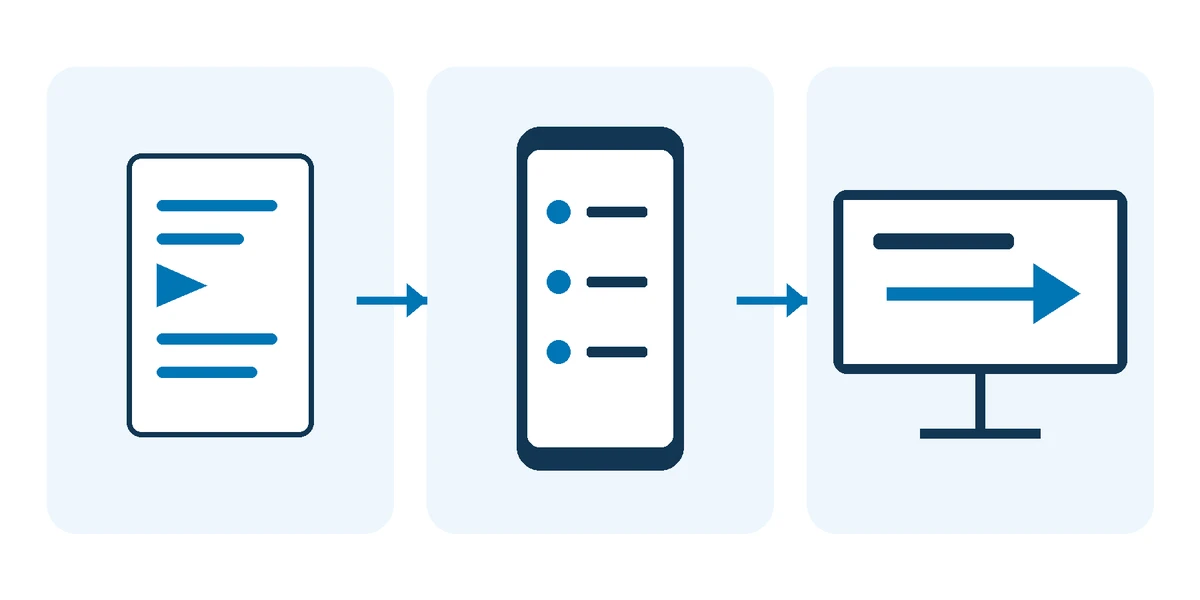
Creating digital signage content starts with the actual display environment. Request the active pixel canvas, orientation, screen seams, viewing distance, player model and software version, accepted media formats, loop behaviour and audio policy. For an LED video wall, work to the active canvas rather than assuming a standard television size.
Test a short sample on the intended player before producing every animation or video. BrightSign's technical documentation is one example of video support being tied to player specifications. Use the requirements of your own installation, not a generic export preset. Video formats and codecs
For the visitor-pass example, someone may arrive halfway through the loop with the display muted. Keep the collection point and direction understandable in the scene they encounter. Check type from the expected viewing position and keep essential information clear of physical seams. Agree who supplies the hardware, manages the signage system and publishes the files; content production alone does not settle those responsibilities.
Adapt the message for each channel and language
The mobile version of the visitor instruction might put steps first and link to arrival information. The reception version needs a readable direction while people are moving. Resizing the same composition cannot resolve those different tasks.
Review Arabic and English separately for reading order, official names, pronunciation and text timing. An international visitor may need context that a familiar local audience does not. Keep dates, conditions and place names in a shared fact list so that adaptation does not change the instruction.
Build a version list before production: channel, language, dimensions, audio treatment and approval owner. Use that list to track which exports need to change after each edit.
Prepare your production brief
State the main message and the action you want the audience to take. The CDC's communication assessment starts by identifying audience, objective and main message. Its questions come from health communication, but offer a useful briefing discipline when adapted to the project. Audience and message questions
- Audience and prior knowledge: who will use the material?
- Channel and context: where, on what device, and with what time or audio constraints?
- Inputs: approved references, existing material and what needs new production.
- Languages, brand rules and accessibility requirements.
- Target date, indicative budget and priority deliverables.
- Named owners for factual, brand, technical and final approval.
Use the brief to agree what will be produced, delivered and tested. Where the budget is limited, start with one audience task, a primary channel and a representative sample.
Plan accessibility and usage rights
Define access requirements before writing the script. W3C's media guidance includes early planning for captions, description and transcripts. Planning accessible media
Captions convey speech and meaningful non-speech audio in sync with the video. Translated dialogue alone may omit information such as an important sound. Review accuracy, timing and placement; automatically generated text needs checking. Caption guidance Depending on the material, also specify descriptions of important visual information or a separate text version, and check the player's support for the chosen alternatives.
Record permission for photographs, music, voices, fonts and reference material, including the agreed channels, duration, territory and editing terms. Specify source-file delivery and the tools or dependencies needed to edit those files. Receiving a playable export does not answer whether you can change or reuse every element inside it.
External examples of content with a defined purpose
The Met: historical accounts as an audio experience
The 2018 Visitors to Versailles exhibition dramatised historical visitor accounts through soundscapes, performance and music. The Met offered self-guided listening in the exhibition and material online. Its account documents the experience rather than a measured improvement in visitor understanding. The Met audio experience
A proposed Saudi heritage adaptation would use two short Arabic audio stops based on an approved account, with names and pronunciation reviewed by the collection owner. Test whether visitors select the correct clip and connect its story to the exhibit. This is a proposed application of the approach, not a Marafei project reference.
NASA eClips: connect a video to an activity and assessment
The Keeping the Beat educator guide, revised in 2025, combines video, activities and checks for understanding in a lesson about the heart and gravity. It records lesson design and expected responses, not a measured learning gain. Educator guide
For a Saudi science centre, a proposed Arabic or bilingual clip about mass and weight could be followed by a new example that visitors explain, supported by a short facilitator guide. This uses a different topic from the NASA lesson. Use the example to plan an activity and an understanding check alongside the explanation. Record misconceptions in the answers and revise the explanation accordingly.
What determines digital content cost and schedule?
Marafei prices work to the agreed scope. Compare production proposals by their deliverables and assumptions: the label “explainer video” does not describe the work involved.
| Scope factor | Clarify in the proposal |
|---|---|
| Starting material | Adaptation of approved content or new research, writing and production |
| Production method | Filming, voice recording, graphics, product images or programmed interaction |
| Versions | Languages, sizes and playback environments |
| Review and rights | Review rounds, feedback owner and material licences |
| Delivery and testing | Agreed exports, source files and tests in the intended environment |
The schedule depends on production work and approval dates. A changed message after recording or an extra language after editing may require earlier work to be repeated. Review that effect before authorising a change. There is no single price or duration that fits every content brief.
Production stages and the sample approval
- Confirm audience, message, references, outputs and scope boundaries.
- Prepare the script, storyboard or interaction plan for factual review.
- Produce a sample that tests a difficult constraint, such as distant reading, muted playback or a branching choice.
- Try the sample in the agreed channel and approve the production direction.
- Produce the versions and consolidate feedback through one owner, separating corrections from scope changes.
- Check final files and deliver the version and approval register.
Approve the sample before expanding production. A visually approved scene still needs its facts checked. An approved script does not establish that the exported video will play correctly.
Check playback and audience understanding
| Check | Practical example | Record |
|---|---|---|
| Facts | Names, dates and specifications after the last edit | Reference, version and approver |
| Playback and access | Muted phone, captions, reception display viewed mid-loop | Device, player, result and corrections |
| Interaction | Main route, return path and recovery | Steps taken and actual response |
| Understanding | Where do you collect your visitor pass, and why? | Answers and hesitation by language and channel |
Views and completion describe reach and behaviour. They do not establish understanding on their own. Agree a question or task people can attempt after viewing, who will collect the results and how findings will inform changes. This is an evaluation plan, not a promised percentage improvement.
Handover, updates and your production scope
Request a manifest linking each file to its channel, language, version and approval date. Agree final exports, text alternatives, source files where included, usage terms and dependencies. If editable sources are included, open and re-export a representative file to check that the receiving team can use it.
If the visitor-pass collection point changes, update the script, voice, translated text and every channel containing the name, then check them again. Assign responsibility for master files, publication and future revisions. Ongoing support and content management need an explicit scope.
To discuss your digital content production scope, prepare the audience, message, channel, languages, target date and available material. Marafei uses these inputs to define the work and approvals needed for a quotation. A limited sample can help resolve an uncertain format or playback requirement before commissioning the full set.