
 Immersive sport
Golf Simulator
Impact screen, play area, simulation software, and tracking create an indoor golf experience.
- Training
- Indoor
- Custom setup
Marafei’s catalogue includes sports simulators, group games and interactive products for learning, visitor experiences and entertainment. Begin with the way people will use the product. An exhibition station used for a few minutes at a time has different needs from equipment used in regular training. Consider who will take part, how long each turn should last, who introduces the activity and where other visitors can wait without blocking access.
The immersive sport range includes simulators for activities such as golf, running, rowing and cycling, as well as mini golf and giant chess. Compare the space needed to take part and the room for people to watch. Decide whether the experience will run as individual turns or whether several people should be able to participate together. Open each product to check the configuration and specifications, including the controls or measurements relevant to the activity you are planning.
The interactive technology range includes the sandbox, interactive book, wall and floor. The most practical comparison is how visitors approach and use each format. A learning corner might need a shared activity that a small group can follow around one station. In a busy visitor route, an activity people can enter and leave easily may suit the space better. Think about the material you want to present and what the participant is expected to do with it.
Gather the site dimensions, ceiling height, access details and photos before requesting a configuration. Note the available power and equipment, expected visitors, and whether the product will move between sites. If content needs to change regularly or the activity will run throughout the day, describe who will manage it. Product pages explain how the options differ in use and installation. Use them to compare the room you can provide, the equipment you expect to receive and the support the operator may need after setup. These details help define a configuration around your actual venue.
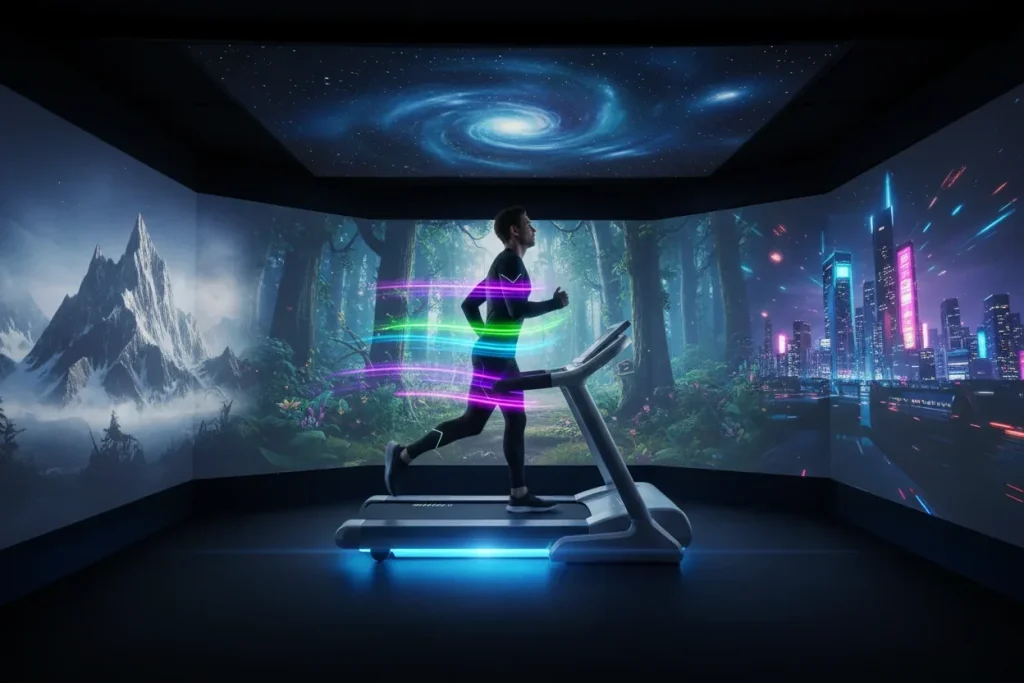 Immersive sport
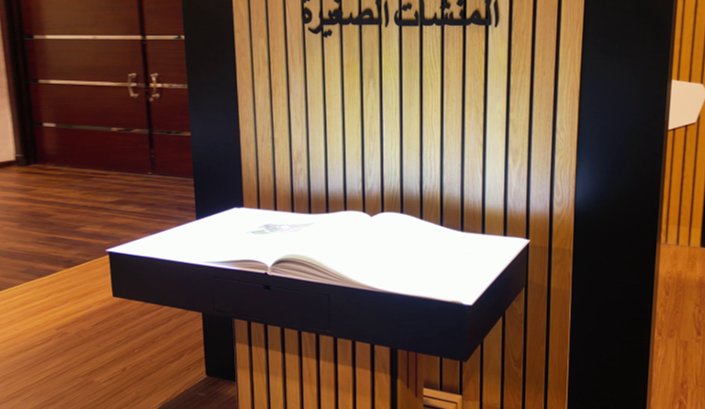 Interactive content
 Sports simulation
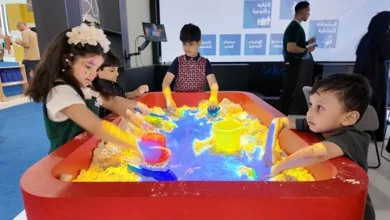 Immersive learning
Current catalog
Start with the goal, audience, and space, then choose the right product.
Showing 10 products
Immersive sport
Impact screen, play area, simulation software, and tracking create an indoor golf experience.
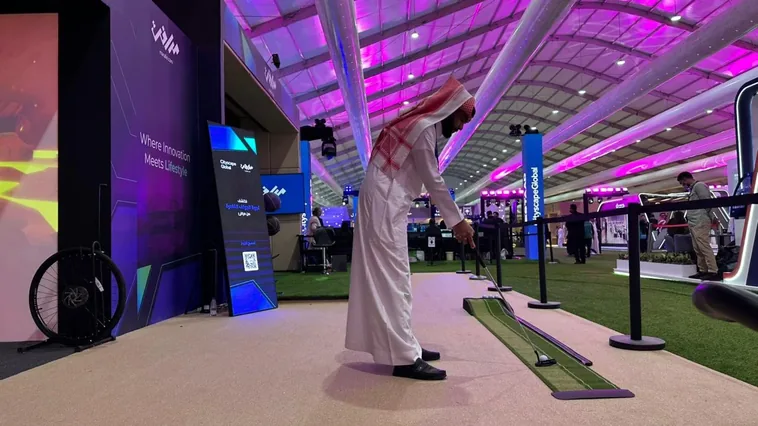 Physical putting course
Recreational courses combine skill and challenge in an accessible family and group experience.
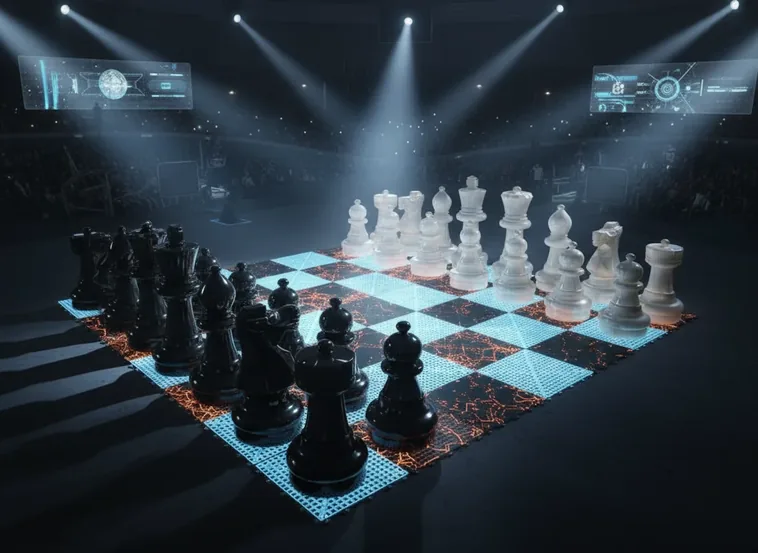 Floor board and oversized pieces
Large-scale chess combines thinking, movement, and social interaction in a striking experience.
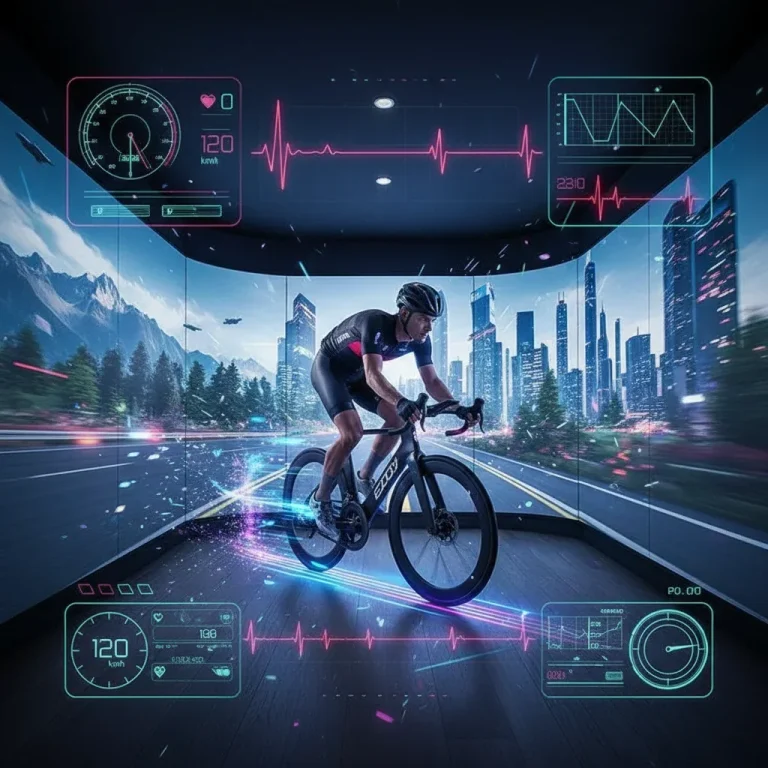 Stationary bike and visual route
A stationary bike and large display turn indoor exercise into virtual routes.
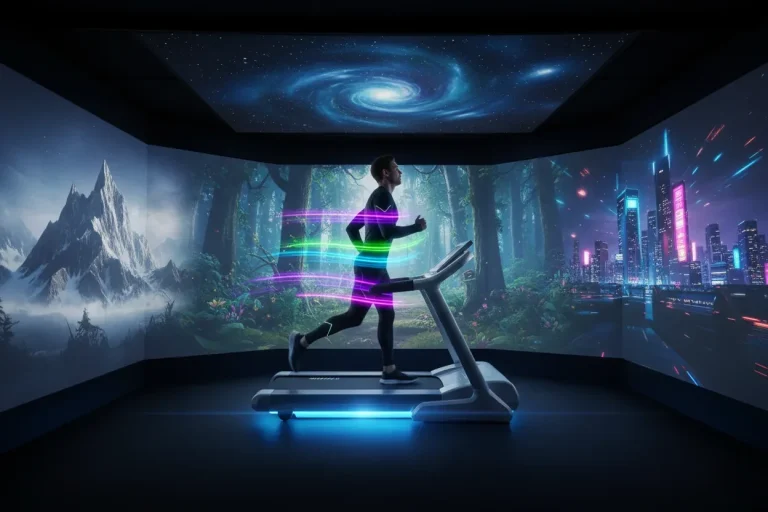 Treadmill and visual route
A professional treadmill and large display recreate outdoor running in a motivating indoor setting.
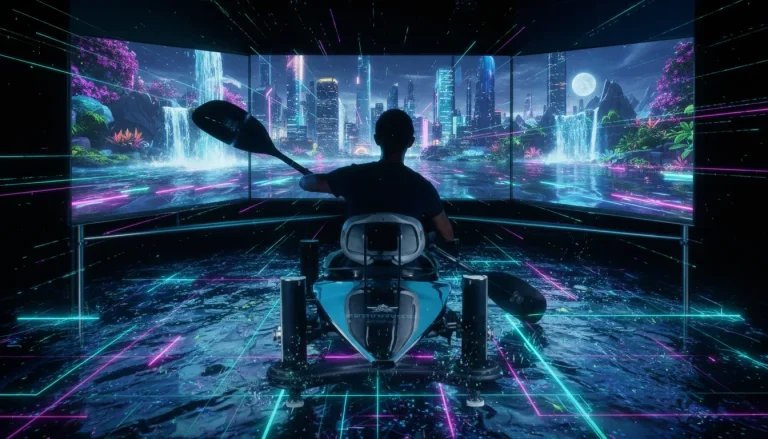 Rowing machine and visual route
A rowing machine and realistic visuals simulate movement across water.
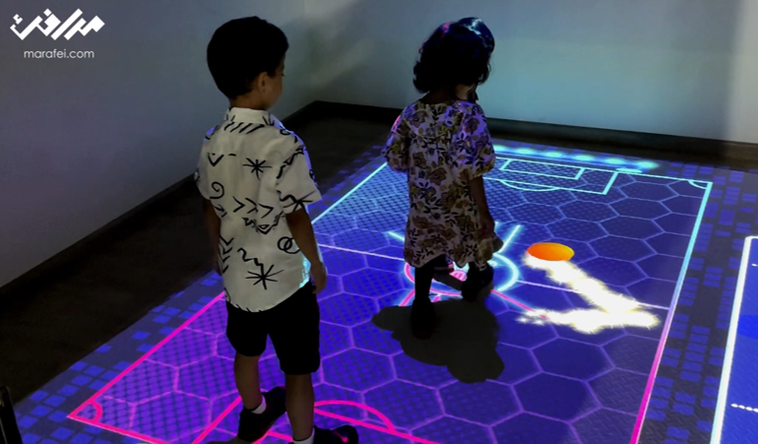 Movement-responsive projection
Dynamic floor content responds to visitor movement in exhibitions, museums, and shopping centers.
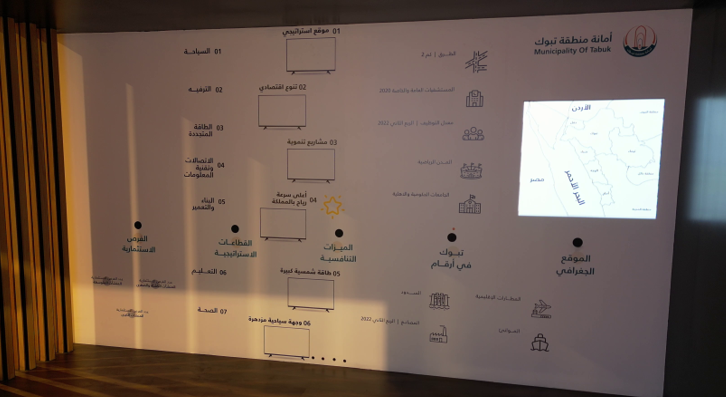 Visitor-controlled display
Projection and sensors turn surfaces into interfaces that respond to touch or movement.
Interactive storytelling
A purpose-built book displays images, text, and video and enables interaction through touch or gestures.
Interactive learning
Natural sand and projection simulate water, volcanoes, and terrain for hands-on learning and play.
Quick decision guide
The right choice connects the commercial or educational objective with the site area, operating model, and required content.
Fitness, training, learning, visitors, hospitality, or brand activation.
Area, height, lighting, power, network, and user flow.
Permanent or mobile setup, session length, visitor volume, and team.
Content, identity, training, maintenance, and updates.
From concept to operation
This path aligns the final setup with the venue’s goal—not device supply.
Audience, objective, site, operating duration, and success indicators.
Components, area, movement, content, and visual identity.
Site preparation, calibration, scenario testing, and operator training.
Operating procedures, maintenance, updates, and performance follow-up.
Questions before choosing
No. The final footprint depends on the configuration, user movement, safety area, screen or projection type, and operating model. It is confirmed after reviewing the site.
The interactive products are designed to support different levels of content, color, and interface customization. The final scope depends on the selected product, software, and configuration.
Hardware type, display area, tracking system, content, customization, site preparation, transport, installation, training, and maintenance.
A permanent or mobile configuration can be studied according to the product, operating duration, transport frequency, and available space. The choice is not confirmed before reviewing the project’s requirements.
City, venue type, objective, available area, number of users, permanent or temporary configuration, customization level, and target date.
Share the project goal and space; Marafei will define a clear technical scope.

You can book a demo with us by filling out this information, and we will get in touch with you as soon as possible
Contact Us
+966 50 052 6869Email Us
[email protected]Business Hours
Sunday–Thursday
8:00 AM–6:00 PM
