Skip to content
  1. Services
  2. Immersive Technology
  3. Mixed Reality Service

Mixed Reality Service

Marafei develops mixed reality experiences that connect digital models and instructions to a physical workspace. We define the task your team needs to perform, the reference that positions the content, and how users interact with it. That brief sets the scope of a prototype and the tests required at the site before delivery.

Mixed reality: white physical and virtual cubes inside a blue circle

When does the task need mixed reality?

Enterprise mixed reality is worth evaluating when a decision depends on where a part sits, how an assembly fits together or how people understand the same spatial arrangement. Start by identifying the task that is difficult today and the evidence that would justify a different approach.

Understand parts in their working context

A user can examine a digital assembly from different positions while the physical setting remains part of the experience. Test whether this helps the person explain a relationship that was unclear in a drawing or on a conventional screen.

Test the interaction before expanding the scope

A limited prototype lets your team try selecting and moving parts or following a sequence of steps. Record confusion and errors before preparing more procedures or equipping additional operating stations.

Decide whether the task needs spatial interaction

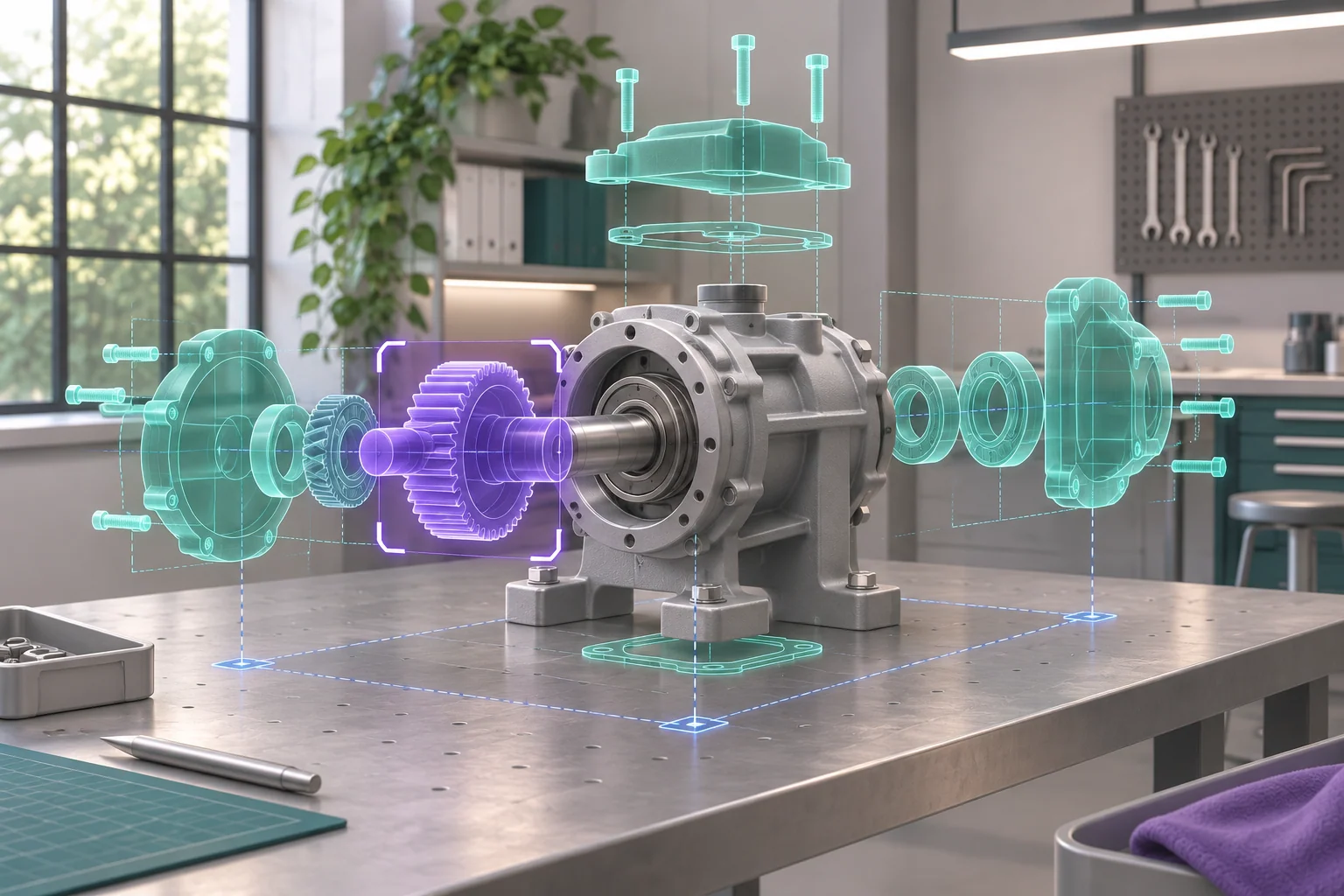
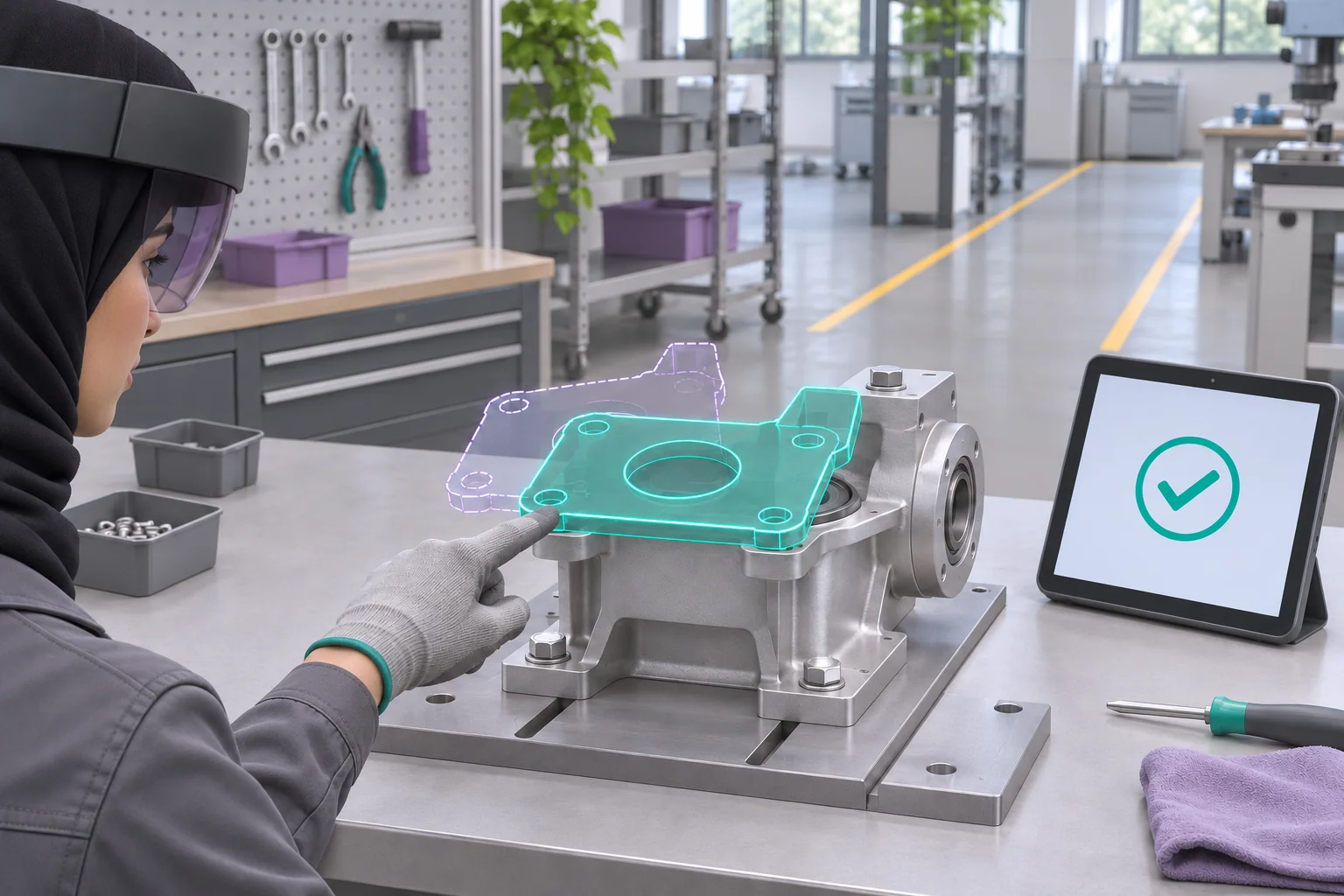
Mechanical parts positioned within a physical workspace for an MR assembly review

Start with one decision. An engineer might need to inspect a digital subassembly beside a training bench, move a component and discuss the assembly sequence. Specify what the engineer needs to see in the room and what they should be able to decide afterward. A conventional display may answer the question; a spatial prototype can test whether the relationship to the bench adds useful information.

Mixed reality brings digital elements and a physical setting into the same experience. Terminology overlaps with augmented reality across references and platforms. Describe the behavior you need rather than treating interaction as an exclusive dividing line between AR and MR. See Microsoft's terminology overview and the W3C XR user-needs note.

User requirement Format to evaluate
Inspect a model without relating it to the room A conventional 3D viewer, tested for adequate detail and viewing angles
Show information associated with an object or position An augmented reality service, scoped around the content and tracking required
Manipulate parts or coordinate a procedure around a real station A limited mixed reality prototype with a defined reference and observable task
Work entirely inside a simulated setting A virtual reality service built around that scenario

An enterprise mixed reality pilot needs a decision it can resolve. Ask users to identify a possible conflict or explain the next assembly step, then compare with the current method using the same content. Include time spent learning controls, preparing the space and resetting the session in the evaluation.

Applications in engineering, training and innovation

Design and assembly review

Place an approved subassembly in the context of a work station. Ask the engineer to record observations about part order and spatial relationships, then check them against the controlled drawing. Agree which decisions can use visual inspection and which require separate engineering verification.

Technical training

Choose a procedure approved by its subject owner. The instructor can ask a learner to select a component and explain the next step, recording incorrect choices and requests for help. Include a separate practical assessment where the procedure requires one.

Layout and access review

A trial can examine how a model relates to a passage or access area. The site operator reviews movement limits, while engineering approves the dimensions used for the decision. Test whether users understand the relationship before adding visual detail.

Innovation teams

Compare a screen-based version and a spatial pilot using one task and the same model revision. Record where the physical setting helps and where the controls cause confusion. Use the findings to decide whether to revise the concept, narrow its scope or authorize the next stage.

Technical demonstrations

Give visitors a short task that connects a digital model to a physical exhibit, such as identifying an internal subassembly. Observe whether they can start, whether they need assistance and what they can explain afterward. The operator also needs a way to manage passing visitors and reset between sessions.

Prepare models, instructions and input methods

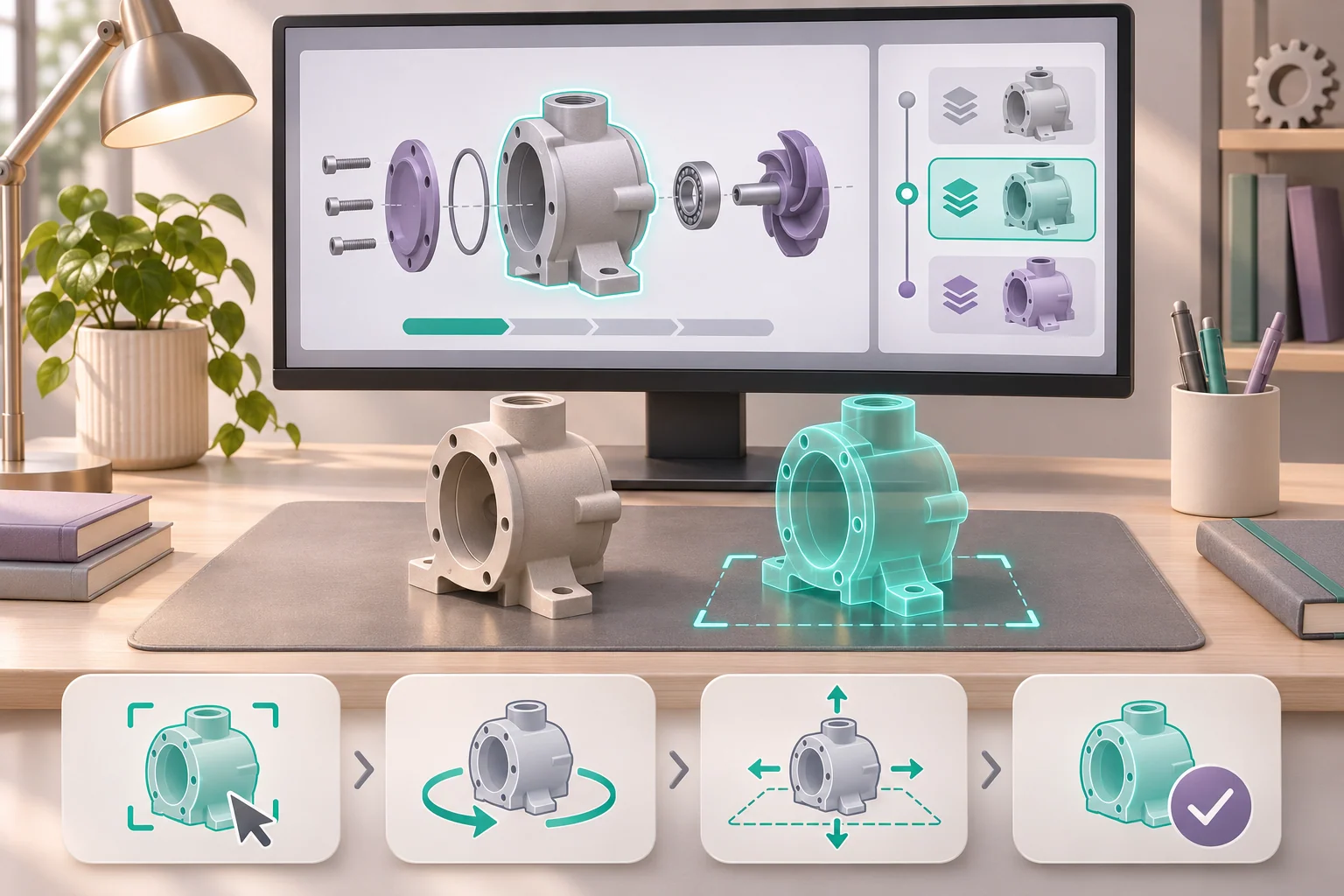
Preparing a digital mechanical model and its sequence of interactions

Begin with one asset that the organization can share and review. Identify its revision, units, owner and usage rights. The engineer should specify which dimensions must remain faithful and which details may be simplified for display. Possession of a CAD file does not establish permission to distribute it to every user.

Define an action for each step: select a component, rotate it, place it or confirm completion. Specify the visible result and how the user corrects an error. Test the input method supported by the candidate device with intended users, including approved workwear or protective equipment where relevant.

Have the procedure owner approve Arabic component names and any necessary technical symbols. Check English labels and bilingual presentation on the actual display. During mixed reality production, prepare the assets for the interaction and test their presentation alongside the application build.

Separate tracking, mapping and anchoring requirements

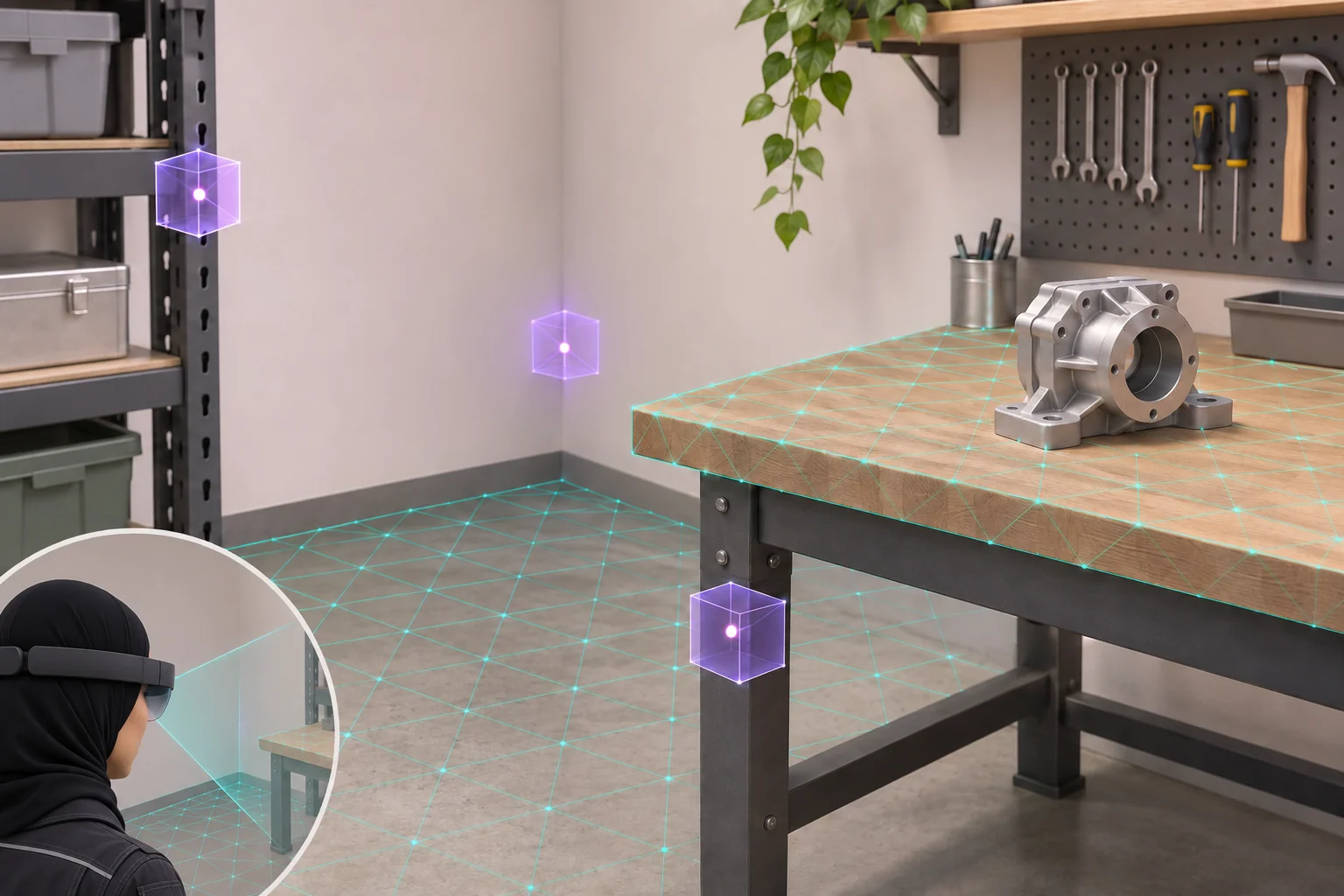
Tracking the device, mapping surfaces, positioning content relative to a reference and recognizing a particular object are distinct requirements. Microsoft's spatial mapping documentation describes how surface maps can support placement and occlusion in a suitable application. A surface map alone does not identify a machine or its function.

For the training bench, agree a reference the operator can check. Inspect the digital object from two positions, then close and reopen the experience from the normal starting point. Record whether placement recovers and what the operator must do if initialization is needed again.

Test item Evidence to retain
Configuration Device model, OS/runtime and application build
Asset and reference Approved model revision, units and physical reference
Alignment and recovery Viewing positions, agreed tolerance and relaunch result
Conditions Site, lighting, expected movement and departures from normal operation
Outcome Observation, exception, corrective action and approver

Set the tolerance for the task. Visual alignment and engineering measurement require separate acceptance decisions. Have the responsible specialist define the verification method for any engineering judgment made from the experience.

Verify devices, site conditions and support lifecycle

A mapped workspace with reference surfaces and a Saudi professional testing an MR device

Select a candidate configuration from the required behavior, then run a representative build on it. Check how users see the room, operate the controls, read instructions and recover after interruption. If you already own HoloLens devices, confirm the generation, OS version, support status and application distribution before including reuse in the proposal. Microsoft's HoloLens 2 release notes and commercial deployment guidance provide inputs for that review.

Microsoft documents lighting, reflections, repeated visual features and movement as considerations for HoloLens tracking. Test the candidate setup under the conditions expected at your site. These platform-specific observations do not establish specifications for every MR device. HoloLens environment considerations.

Assign an owner for device updates and changes in platform support. Separate hardware and licensing from development costs, and identify equipment supplied by the client. A successful older research prototype does not establish current availability or suitability for a new deployment.

Discuss your mixed reality project

Scope shared sessions, connectivity and integration

Decide whether one person works alone or two people need a shared task. Specify who starts the session, who can change the model and how each participant sees the change. Test conflicting selections and rejoining, including reference alignment and the recovered state on the second device.

List functions that run locally and those requiring accounts, a server or remote assets. Connectivity tests should cover startup, interruption and reconnection. Record what stops and what the operator does next. A locally stored model does not establish that collaboration works offline.

Treat a training or maintenance system connection as a separate deliverable. Identify the workflow, permitted interfaces, data, permissions and direction of exchange, then price and test the integration, including connection failure. Have the buyer's data owner review workplace images, spatial maps and user records: what is processed, retained or transferred, who can access it and for how long.

Plan movement, accessibility and recovery

The site operator should approve the operating area, movement route and supervision, including obstacles and passing traffic. Specify what users see when tracking fails and how they pause, recover or leave the task. A training experience does not authorize work on live equipment; the organization must review the procedure and conditions.

Some users may need text in place of audio, an alternative input method or a seated option. Test the appropriate alternative and access to essential information on another display where needed. The W3C XR user-needs note helps identify these needs; it does not certify a device or application.

Give the operator usable start, stop and recovery instructions. Try them with people who represent the intended audience. Describe the point of difficulty and assign responsibility for changing the content or controls, so an observation such as “hard to use” becomes an actionable finding.

Two research examples and proposed Saudi pilots

These are external research projects. The Saudi trials below are proposals for testing a limited scope, not completed Marafei projects.

Singapore Institute of Technology: assembly planning

In 2022, researchers described a prototype for manipulating mechanical parts and reviewing assembly in its intended setting. Two pilot evaluations identified issues with some manipulations and assembly guidance. The findings were preliminary and did not establish general operational savings. Mechanical design and assembly planning paper.

For a Saudi engineering team, trial one subassembly using an approved revision. Ask a reviewer to identify a possible conflict and check it against the controlled drawing. Distinguish difficulty with the engineering decision from difficulty with controls or alignment. Have the engineer review findings before adding more parts.

Purdue University: collaborative pump assembly

A 2022 paper described co-located users assembling a digital hydraulic pump. Three experts provided preliminary feedback. The study did not establish a comparative learning improvement. Collaborative technical assembly training paper.

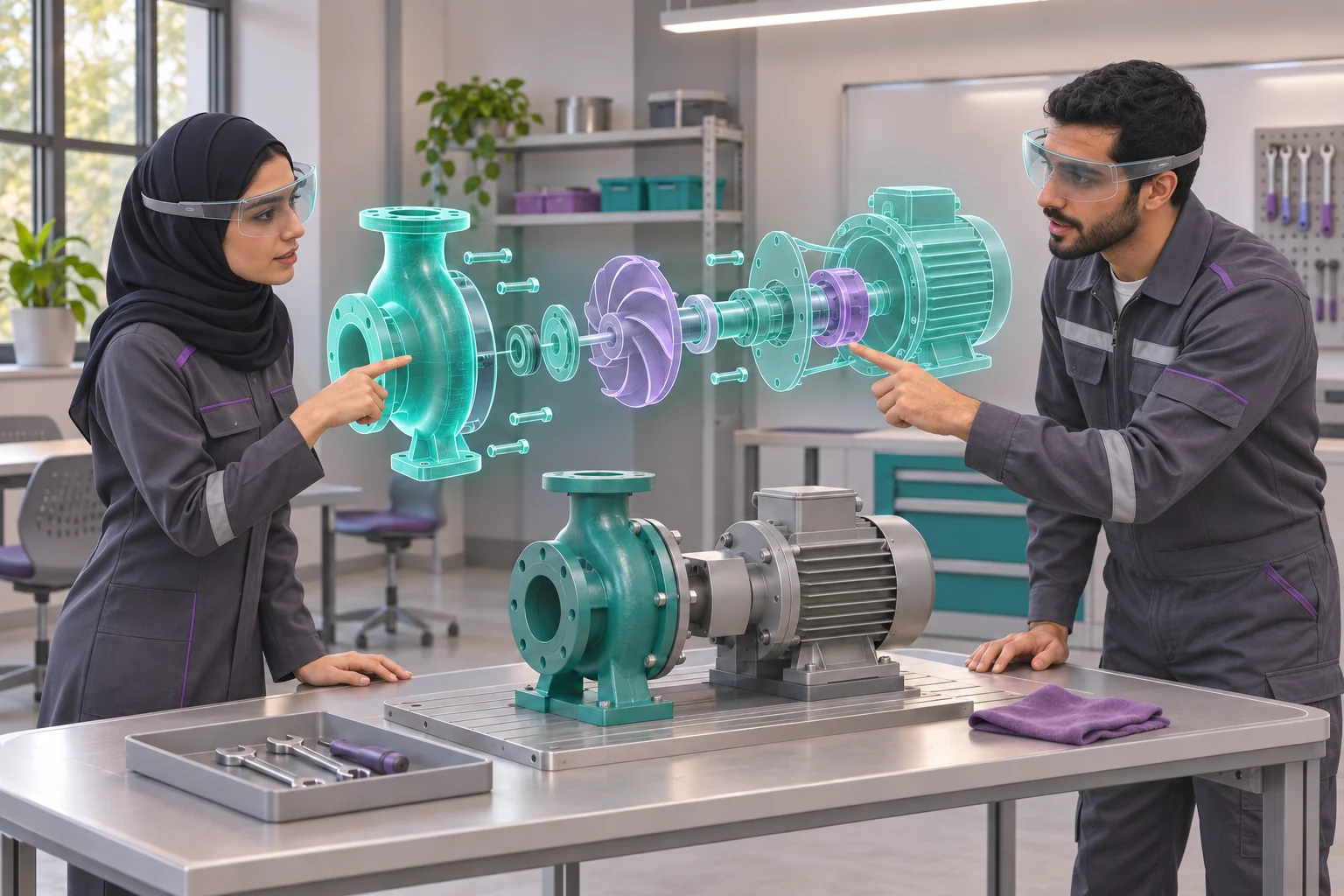
For a Saudi technical training pilot, give two learners defined roles and use instructor-approved component names. Observe handover and wrong-part selections, then test recovery of the shared state after one participant disconnects. Assess practical competence separately from successful synchronization.

Mixed reality pricing and comparable proposals

Marafei prices projects according to the type, size, space and scope of the request. Give mixed reality development companies the same task, reference, asset revision, devices and participant count. Ask them to price the pilot separately from expansion.

Proposal item What to clarify
Prototype Selected asset, interaction to test and evidence for the expansion decision
Content preparation Conversion, languages, procedure count and approval rounds
Spatial work Reference, placement, site testing and reinitialization
Hardware and licenses Included items, client inputs and recurring charges
Collaboration and integration Participants, shared state and systems to connect
Handover and operation Files, rights, instructions, training and agreed support

Compare one bench and one user with a version adding a second station and a participant. Hold the task constant so additional placement, synchronization and operating work remains visible. Record assumptions about asset readiness, approval turnaround and access to the site, since they affect the schedule.

Rental is available through Marafei in general. Suitability, equipment availability and duration for a particular mixed reality project are confirmed in its proposal. Separate initial development from recurring costs such as licenses, hosting or support where applicable.

Discuss your mixed reality project

Delivery stages from sample to site acceptance

Saudi professionals exploring a shared digital pump assembly in a training setting
  1. The task owner approves the procedure, intended users, reference and required outcome.
  2. The asset owner checks one model's revision, units, rights and permitted simplifications.
  3. A sample tests the interaction most likely to cause confusion, including selection and correction.
  4. The subject specialist reviews content and the site operator tests the configuration under agreed conditions.
  5. The team reviews findings and decides whether to revise, expand or use a simpler format.
  6. Approved scenarios are produced, followed by acceptance testing and documented handover responsibilities.

Agree an output and a decision owner for each stage. If the model or site changes after the pilot, review the effect on tests and cost before extending the remaining content.

Accept the build and evaluate the task

A Saudi professional checking digital part placement during a task trial

Test a complete journey from the operator's normal starting point. The user launches the experience, recovers the reference, inspects the model from two positions, selects a component and corrects a wrong selection. Reopen the application and check placement again. If collaboration is included, repeat the test on the second device after a brief disconnect.

Acceptance decision Responsible review
Content correctness Procedure, component labels and model revision, approved by the subject specialist
Alignment and recovery Tolerance, restart conditions and observed results, reviewed by the technical lead
Task performance Selection, sequence, correction and help requests, assessed by the instructor or engineer
Operation Startup, pause, fallback and reset, approved by the site operator

Record the device, OS/runtime, build, site, witness and exceptions. Score task correctness separately from tracking. Check whether the application accepts an incorrect action or rejects a correct one. Claims of improved performance require an appropriate comparison with representative users and attention to their prior experience.

Handover, updates and ongoing operation

Confirm the application, editable assets and usage rights included in delivery, along with operating instructions and tested configurations. Document reinstallation or reset, the fallback when operation fails and who publishes an approved version.

When an engineering model or procedure changes, its owner approves the revision and affected task tests are repeated. Moving a station calls for another check of its reference, lighting, movement and connectivity. Agree support hours, on-site training, updates and device replacement as specific commercial terms where required.

Scope your mixed reality project with Marafei

When choosing a mixed reality provider, begin with one task and an outcome you want to verify. Our mixed reality development services shape the model, procedure and interaction around the relationship between the digital content, the physical setting and the people using it.

Prepare a description of the operating area and reference, one shareable file if available, existing devices, participant count and timing. Include any shared-session or integration requirement, and identify who approves the model, procedure and result. For missing inputs, record the owner and the stage at which they are needed.

Discuss your mixed reality project

Frequently asked questions

What do mixed reality development services include?

Define the user task, physical reference, digital content and interaction. Ask the provider to itemize device testing, deployment, handover and any ongoing support.

How do we choose a mixed reality provider?

Give candidates the same task, model revision, site and target devices. Compare their pilot and acceptance plans, asset rights and responsibility for updates. 2 [2]

What are the mixed reality implementation requirements for a worksite?

Specify the movement area, reference, lighting, expected users, available devices and network. Ask the site operator to approve the test conditions and fallback. 3 [3]

What should an enterprise mixed reality pilot prove?

Test one task with intended users and a representative asset. Record whether spatial interaction helps them reach the agreed outcome and where the controls or alignment cause errors. 5 [5]

What determines mixed reality pricing?

Scope the assets, interactions, devices, sites, testing and integrations. Separate pilot, expansion and recurring costs such as hosting, licenses or support where applicable.

What should a mixed reality app development company include in its proposal?

Request device/runtime assumptions, asset and rights inventory, scope and exclusions, acceptance tests, handover files and responsibilities. Include operation and change terms if required.

Can a new mixed reality app run on the HoloLens devices we already own?

Check generation, OS build, required capabilities, support lifecycle and distribution. Run a representative build on the intended device before confirming reuse. 2 [2] 3 [3] 7 [7] 8 [8]

What distinguishes a mixed reality service from an AR or VR project?

Describe what the user needs to see in the physical setting, how they act and what changes. Evaluate the formats on that task. Terminology can overlap. 1 [1] 4 [4]

Does spatial mapping identify a particular machine in mixed reality?

A surface map can help place or occlude content. If the project requires recognition of a specific asset, scope that capability and test it separately. 2 [2]

How do we test whether a digital object stays aligned in mixed reality?

Define the reference and a tolerance suited to the task. Inspect from representative positions and record alignment as users move. Capture the device, build and site conditions. 2 [2] 3 [3]

How should a mixed reality pilot test relaunch and anchor recovery?

Close and reopen the experience from the operator’s normal start point. Verify placement against the approved reference and document reinitialization or fallback if recovery fails. 2 [2] 3 [3]

What happens if a mixed reality device loses tracking mid-task?

Define what the user sees, when the task pauses and how to recover or exit. Have the operator try the fallback under representative conditions. 2 [2] 3 [3] 4 [4]

Can we reuse CAD models in a mixed reality experience?

Check permissions, model revision, units and level of detail. Convert a sample and ask the engineer to confirm what must remain geometrically faithful. 5 [5]

How do we select an input method for a mixed reality task?

Start with the action the user needs to perform. Compare supported methods on selection accuracy, correction and usability in the intended setting. 4 [4] 5 [5]

Can two users share a mixed reality assembly task?

Scope a shared reference, role and edit permissions, synchronized state and recovery. Test whether the second user sees the agreed change and can rejoin after a disconnect. 6 [6]

Can mixed reality run offline?

Identify local assets and functions requiring authentication, remote content or session synchronization. Test startup, normal use and recovery under the agreed offline conditions. 6 [6]

Can mixed reality connect to a training or maintenance system?

Define the required workflow, system interfaces, data permissions and failure behavior. Agree the integration as its own deliverable and acceptance test.

What happens to workplace images and maps used by mixed reality?

Ask what the chosen system processes locally, stores or transfers. Have the buyer’s data owner approve access, retention and any proposed analytics. 2 [2]

What alternatives should an accessible mixed reality experience provide?

Test readable instructions, pause and exit, alternative input or a seated mode where feasible, and an equivalent way to access essential information. 3 [3] 4 [4]

What should be in a mixed reality acceptance record?

Record device, OS/runtime, build, asset revision, reference, site conditions and each test result. Include exceptions, operator instructions and the sign-off owner. 2 [2] 3 [3]

What needs retesting after moving a mixed reality station?

Recheck the reference, placement, motion area, lighting, network and fallback in the new location. Assign the person who signs off reconfiguration. 3 [3]

How are mixed reality procedures updated after handover?

Assign the procedure owner and retain version history. Approve changed assets and instructions, rerun affected task tests and identify who publishes the approved version. 5 [5]

Sources and references

  1. Microsoft: What is mixed reality?

    Microsoft

    Accessed:

  2. Microsoft: Spatial mapping

    Microsoft

    Accessed:

  3. Microsoft: HoloLens environment considerations

    Microsoft

    Accessed:

  4. W3C: XR Accessibility User Requirements

    W3C

    Accessed:

  5. Poh, Liong and Lee: Mechanical design and assembly planning (2022)

    Singapore Institute of Technology

    Accessed:

  6. Choi et al., Purdue: Collaborative technical assembly training (2022)

    Purdue University

    Accessed:

  7. Microsoft: HoloLens 2 release notes

    Microsoft

    Accessed:

  8. Microsoft: Commercial HoloLens deployment

    Microsoft

    Accessed:

Publisher

Marafei

Publisher: Marafei

This service content was prepared, written and reviewed by Marafei’s team of specialists, consultants and technical engineers.

Marafei team

Don’t hesitate to
contact us.

You can book a demo with us by filling out this information, and we will get in touch with you as soon as possible

Business Hours

Sunday–Thursday
8:00 AM–6:00 PM