Explore by visitor needs
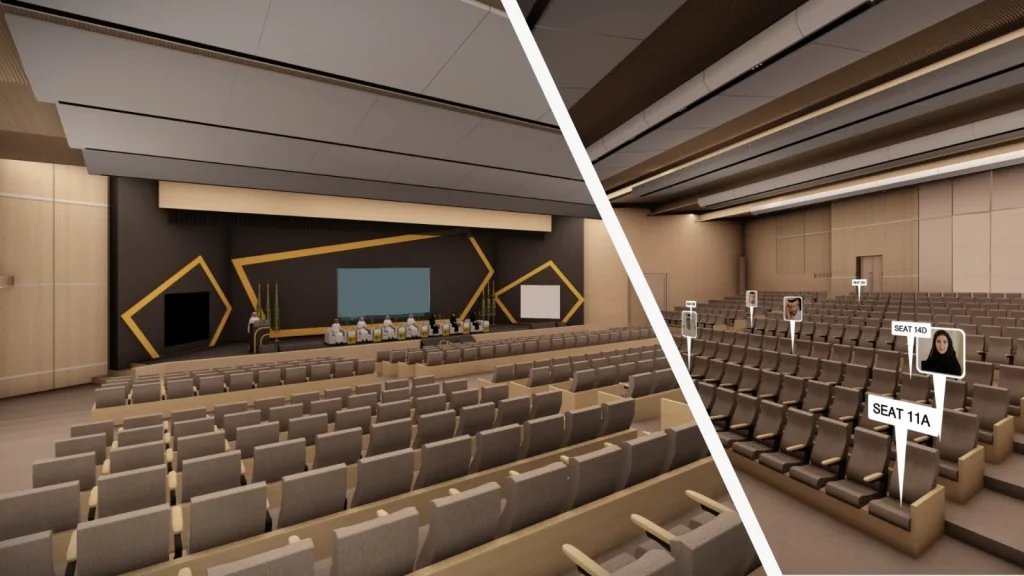
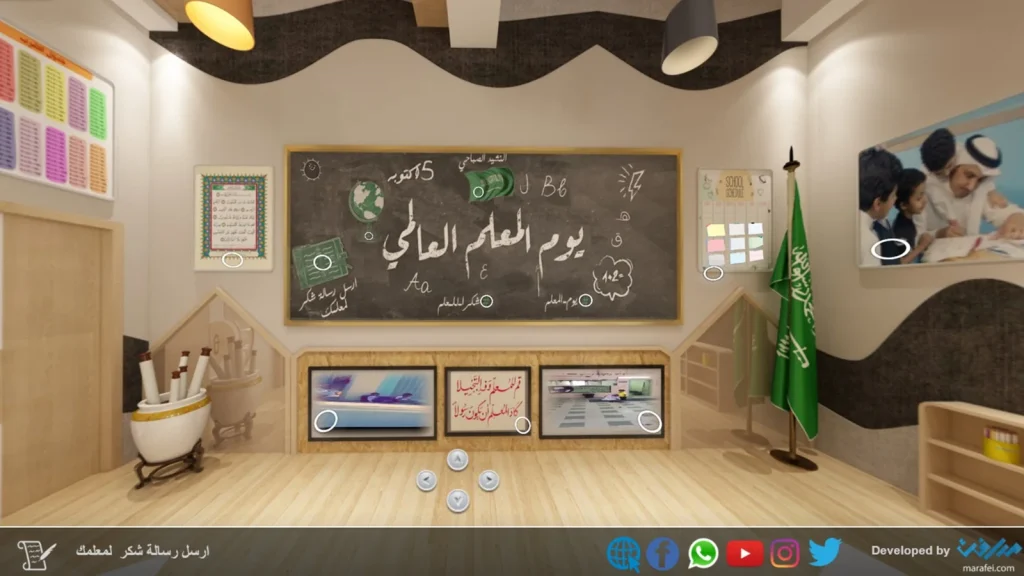
The Virtual Experiences portfolio includes digital spaces and tours people can explore remotely. The entry point depends on what someone wants to find. They might need to move through parts of a place, follow a learning topic or look through exhibition material. When you open a project, notice how the visitor begins, what indicates their position in the experience and how they return to a part they have already opened. These details affect how easy it is to explore independently.
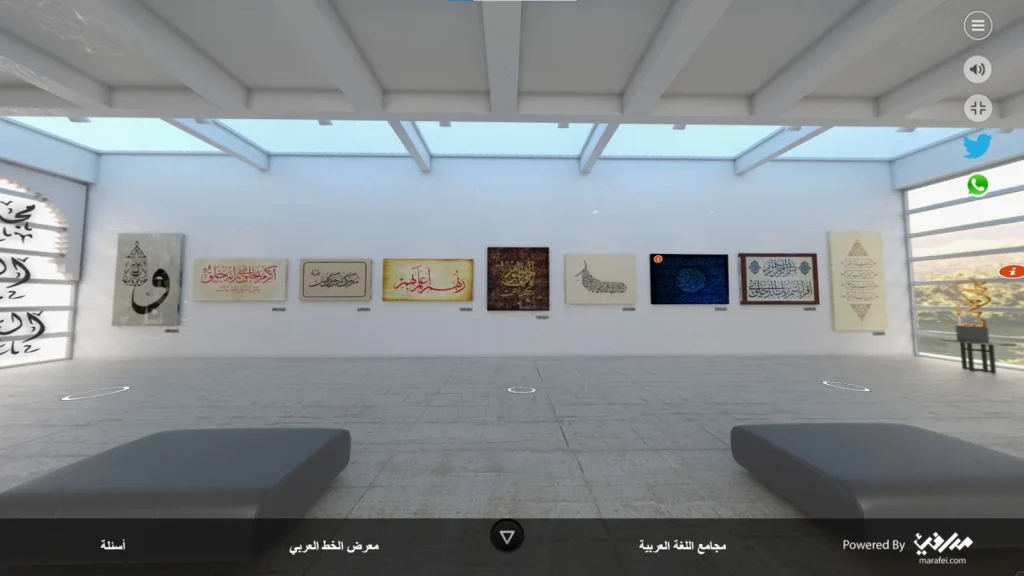
For a virtual tour, look at the order of stops and how material is presented at each one. A stop might offer a brief description, an image or more detail, depending on the project. If you are looking at a remote exhibition, follow how a visitor chooses a display, moves on and recovers the overall sequence. Opening the example on a phone can also reveal practical considerations for text size, controls and orientation that may be less apparent on a larger screen.
When planning a similar experience, describe the journeys you want to support. One visitor might look for a particular item, while another may arrive without a destination in mind. Consider which cues, maps, instructions or navigation each person needs and how they can tell where they are. Note the likely devices, connections and languages visitors will use to reach the experience and understand the material.
Choose cases according to the feature you need to examine. The transitions between stops may matter more than the type of site, or access on mobile may matter more than the subject being presented. Record what you want to include in the brief and which details depend on new production or permission to use material. If the full project involves many stops or content from several teams, work through one stop first. That gives you a concrete way to review the text, navigation and interactions before expanding the route.

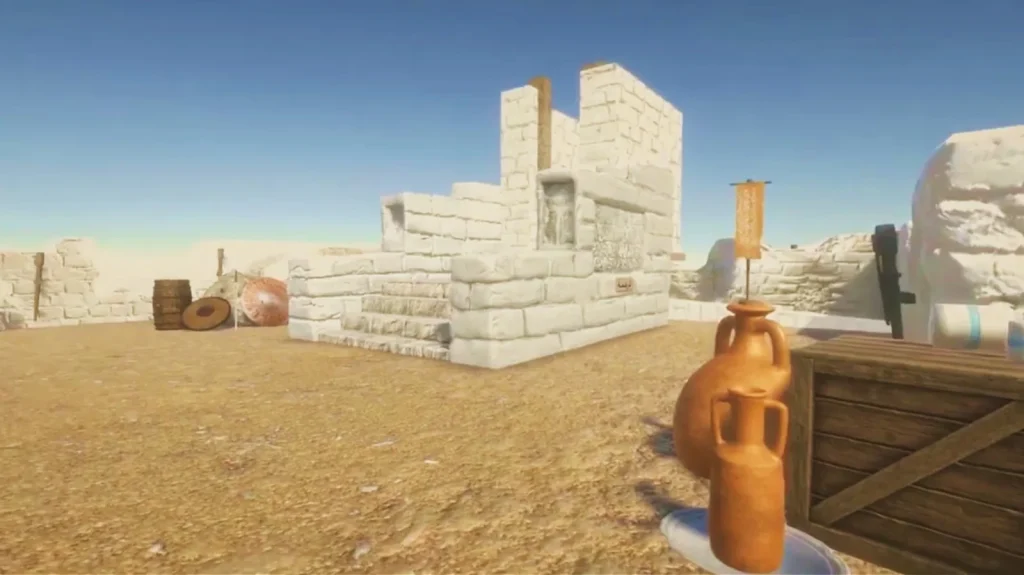
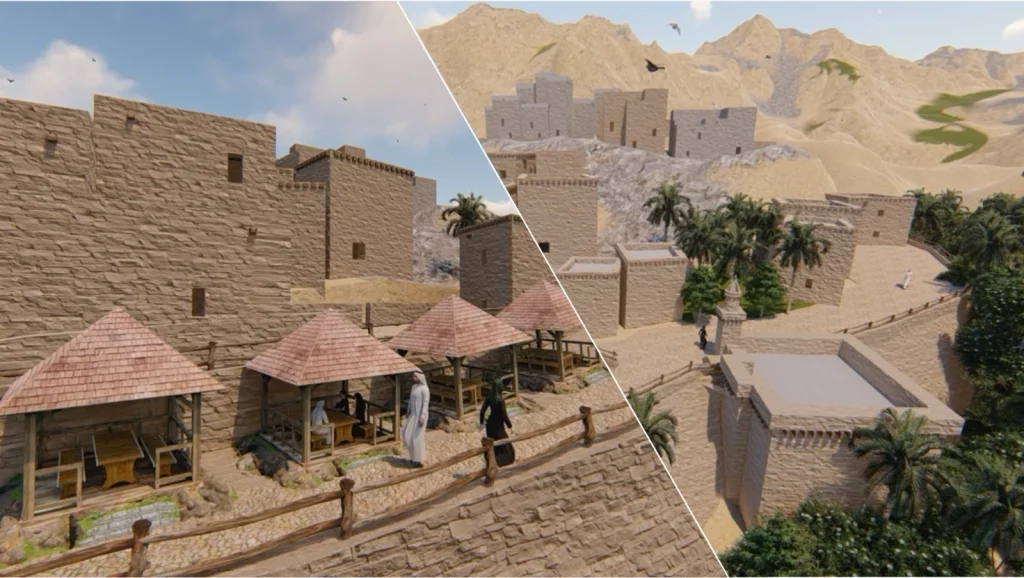 Cultural heritage · Virtual reality