

What does the photography commission include?
Start with the products and the details shoppers need to inspect. The photography team reviews the sample and required views, then prepares the agreed image sequence and supporting assets. Delivery may cover files alone or include setting up the presentation in your store.
Separate capture and retouching from viewer installation and hosting in the quote. Name the person who approves images, the team mapping assets to products and variants, and the person signing off on the storefront result. Give the catalog team a delivery list that identifies the files it will receive and the work left for the store developer.
Choose products around a shopping question
For a bag, a shopper may want to inspect the clasp and exterior pocket. For a shoe, the heel and side may require different views. An open interior or outsole can have its own still image when the rotation does not reveal it.
Check an eyewear hinge from a useful angle, or the position of a mug handle relative to its body. These examples help define the shot list. The team must assess the actual material, size and support arrangement before confirming the shoot.
Add a close-up for a detail that remains too small in the spin, and describe it in the product information. Where one still answers the shopping question, assess whether that item needs a full sequence.
Choose between stills, video, a spin and a digital model
| Shopper's question | Deliverable to discuss | Sample check |
|---|---|---|
| What does the front or label show? | Cover image or close-up still | The required detail is readable at display size |
| How does it open or work? | Video with an agreed sequence | The action is visible and understandable |
| What do the sides look like? | Ordered images in an interactive viewer | The shopper can reach the required view |
| Can we edit its geometry or place it in AR? | A separately scoped digital asset | The format suits the intended use |
GS1 US distinguishes rotational photography, capture on multiple axes and digital modelling. Name the intended deliverable in the quote so the studio and storefront team work toward the same result. GS1 US product image guideline.
See the Digital Assets Service for a separate digital model brief. Capturing a place and moving between viewpoints belongs to the Virtual 360 Tours Service.
Agree which surfaces the sequence must reveal
A single-axis sequence records the product at intervals from a chosen camera height. Top, underside or interior views may need separate photographs or another capture arrangement. GS1 US explains the distinction between single-axis and multi-axis imaging. Capture and axis reference.
Approve the opening angle and the surfaces to inspect with the pilot. Discuss frame count after trying the motion, detail and download weight in your store. Record the selected rows and frames in the project scope.
Prepare the SKU, variant and sample list
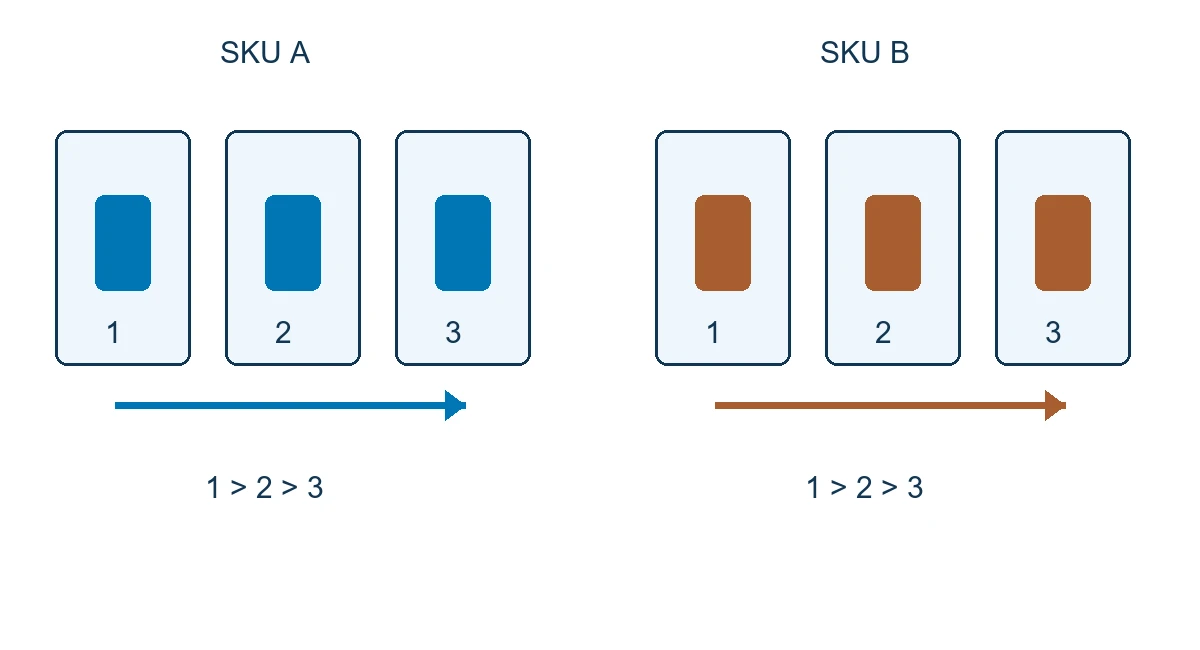
Supply each SKU, product name, variants, dimensions, weight, material and sample condition. Choose an item representative of routine production, plus a difficult finish or shape where it belongs to the order. Agree receipt, packing, transport and return arrangements, including who records the condition of each sample.
| Item or variant | Shopping question | Requested assets | Proposed acceptance check |
|---|---|---|---|
| Bag in a specified color | How does it close and where is the pocket? | Exterior spin and an open-interior still | Correct color and a useful view of each detail |
| Shoe in two color variants | What do the heel and side look like? | Required variant sequences and an outsole still | Switching color on mobile loads matching assets |
| Pack with an approved revision | What does its label say? | Pack sequence and close-up label image | Readable label and matching pack revision and SKU |
Map each delivered asset to its intended variant. Zid documents separate variant codes and images; check the behavior of the actual storefront when the shopper changes color or size. Zid product variants.
Set a reference for materials, color and retouching
Approve the background, color reference and product scale in the frame before the batch. For clear eyewear or a reflective mug, inspect edges and required details, checking that reflections or supports do not obscure them. Heavy or unstable items need an assessment of the capture arrangement before the job is accepted.
Agree what retouching covers, such as dust removal or cropping, and which changes need review because they alter the appearance of a material or feature being sold. Keep an approved sample for the brand lead to consult when color or background differs across the sequence.
Move from the pilot to the batch
Match received samples to the SKU list, prepare the item, and test lighting, alignment and opening angle. Review the captured and processed pilot on a store test page, together with its agreed close-up images.
Name the approver before production starts. Record additional views or processing changes and their effect on scope, cost and schedule. When repeating a setup, check samples from different product families and approve the results for each material represented in the order.
Specify the delivered files and usage rights
Request a list linking each SKU and variant to its ordered frames, cover and detail images. The quote should specify names, formats and dimensions, plus any optional video, viewer configuration or hosted link. Establish whether you receive source files or final exports only.
Record usage rights, who keeps the downloadable copy and who owns the viewer account. For a hosted service or subscription, agree availability, export and asset transfer when changing providers. Check permission to publish images and any third-party elements before release.
Test the viewer in the storefront
Share the platform, plan, theme and a public example product page. The store developer checks placement, embedding and variant mapping. Shopify documents images, videos and 3D models, while Zid describes product media management; test the selected spin implementation in the actual theme. Shopify product media, Zid product details.
Sirv documents one Shopify spin integration using a particular tool and account. Review compatibility and the applicable terms if that implementation is considered for your project. Sirv integration example.
For Salla, Zid or Shopify, approve a working sample before committing to the full shoot. Test the gallery and variants, and agree on still views or supported video if the intended viewer cannot be embedded.
Keep the mobile page usable
Check that the cover appears before the shopper opens the spin. Discuss deferring secondary viewer resources where the implementation supports it. web.dev advises against lazy loading important images in the initial viewport and describes deferral for suitable off-screen resources. Image loading guidance.
Agree a test device, network, resource budget and startup target with the store developer. Check page scrolling while interacting with the viewer and access to stills if loading is interrupted. Record the pilot's actual results before applying its settings to the catalog.
Request clear angle controls and test taps, keyboard operation and visible focus. WCAG 2.2 addresses keyboard access and alternatives to dragging where applicable. Assess accessibility in the implemented experience. WCAG 2.2.
Compare photography quotes on the same scope
Use the same SKU and variant list for each quote. Pricing inputs include materials, sizes, preparation, capture rows, frames, retouching and detail images. Separate pilot and batch production from transport, viewer integration, hosting and ongoing support.
Ask which revision rounds are included and what happens if the pack or requested color changes after approval. Confirm rates and schedule after scope review, including when samples and approvals must arrive.
Send the platform, theme, SKU and variant counts, dimensions, materials, must-see details and target date. Include the city so sample collection and return arrangements can be confirmed. Send your SKU list to request a sample and quote.
Inspect the delivery before signing off
Record SKU, variant, device, network and reviewer with each result. Use the approved pilot as the reference and agree how the delivered batch will be checked.
| Check | What to try | What to record |
|---|---|---|
| Product identity | Match code, color and packaging revision | Asset, variant and any mismatch |
| Sequence consistency | Inspect alignment, scale, frame order and wraparound | The frame or transition needing correction |
| Detail visibility | Reach the chosen side and open label or interior stills | Visible and missing information |
| Variant selection | Switch between two colors and back | Cover, spin and stills match the selection |
| Controls and fallback | Use buttons and keyboard; inspect viewer failure | Operable controls and available still images |
Assign an owner for each correction and approval. First, check whether the shopper can locate the clasp or label. If the store measures sales or returns, review comparison conditions, promotions, stock and traffic before attributing a change to the spin.
Maintain media when the catalog changes
When adding a color or changing packaging, update the SKU map and identify assets that need another shoot. Check cover, sequence and close-ups together so an old revision does not remain in part of the gallery.
If the store uses Google Merchant Center, retain an appropriate main image of the actual item and variant, and review the feed requirements. Main image link requirements.
Agree who resolves integration problems after a theme change, who manages viewer renewals, and how your team retrieves its assets. Put support, changes and reshoots in the commercial scope.
Schuhplus: a footwear capture workflow
An external example and a Saudi store pilot
On 15 April 2017, Orbitvu described German footwear retailer Schuhplus using automated capture equipment for product images and 360° views. The account comes from the equipment supplier, and its reported production timings belong to that setup. Schuhplus case study.
A Saudi footwear store could pilot two colors with the same opening angle, inspect heel and side on a phone, and switch variants on the page. Add an outsole still where needed and record whether each choice loads the correct assets. This is a proposed check for the new project; the external case is not a Marafei project.

